Shopify section is working fine in local but not working in production
Ever encountered that head-scratching moment when your code runs flawlessly in your local development environment but acts up in production? 🤯
It's a common developer dilemma, and I recently faced it with a Shopify theme section. The good news? The solution was surprisingly simple, and I'm here to share my experience so you don't have to spend hours debugging! Let's dive in. 👇
For context, here's a quick rundown of the development setup:
Product single Page That Was Working Locally 🎉In the local environment, I had a product.json file inside the templates directory:
{
  "sections": {
    "main-product": {
      "type": "main-product",
      "settings": {}
    }
  },
  "order": ["main-product"]
}
As the product.json snippet suggests, the theme was designed to include a section named main-product.liquid file in the sections directory:
<section class="p-8" data-section-id="{{ section.id }}">
  <div class="max-w-4xl mx-auto grid grid-cols-1 md:grid-cols-2 gap-8">
    <div>
      {% if product.featured_image %}
        <img
          width="auto"
          height="auto"
          src="{{ product.featured_image | image_url: width: 800 }}"
          alt="{{ product.featured_image.alt | escape }}"
          loading="lazy"
          class="w-full rounded-lg shadow-lg"
        >
      {% else %}
        {{ 'product-1' | placeholder_svg_tag: 'placeholder-svg w-full h-auto' }}
      {% endif %}
    </div>

    <div>
      <h1 class="text-3xl font-bold mb-2">{{ product.title }}</h1>
      <p class="text-lg text-gray-600 mb-4">{{ product.vendor }}</p>

      <div class="prose mb-4">
        {{ product.description }}
      </div>

      <p class="text-2xl font-semibold text-neutral">
        {{ product.price | money }}
      </p>
    </div>
  </div>
</section>

{% schema %}
{
  "name": "Main product",
  "settings": []
}
{% endschema %}
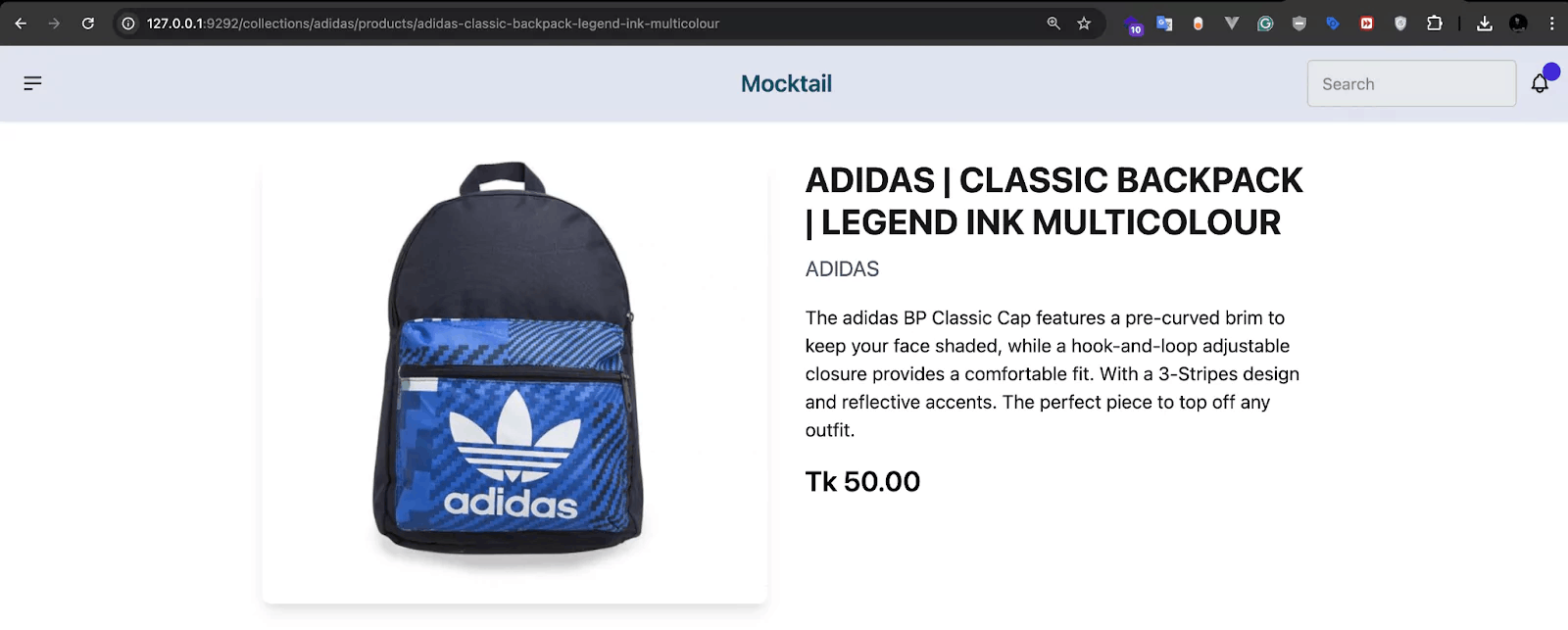
{% schema %} tag, even if it's empty. This is crucial for Shopify to recognize and render your section.When I ran the code, the product page was working perfectly in the local environment:
However, after pushing these changes to GitHub and deploying to the Shopify production environment, Shopify couldn't find the section! 😱
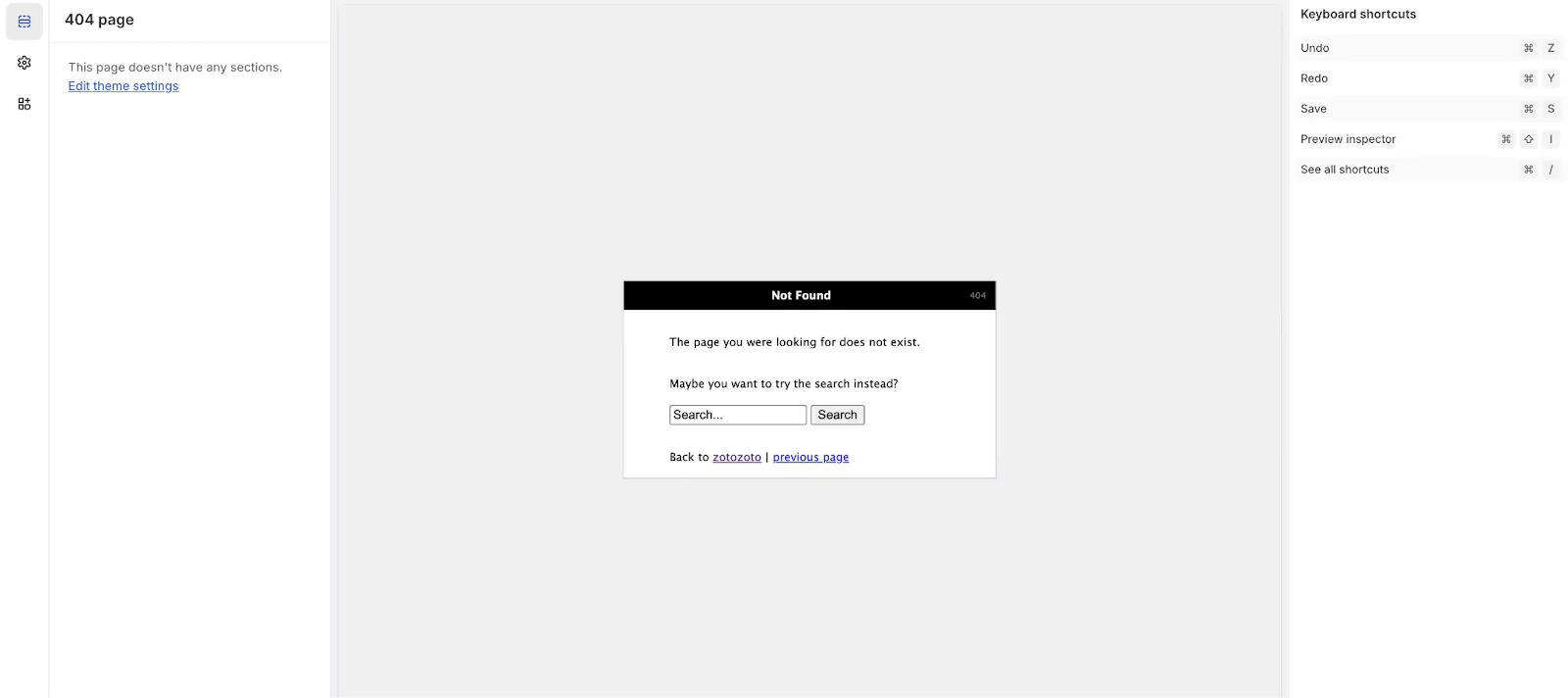
After debugging for a while, I discovered the issue was quite simple and easy to fix.
Shopify has a specific convention for the main content section of template files. While a custom name like main-product works locally for development purposes, for a template's primary section in a production theme, Shopify often expects the section ID in the order array to simply be main.
Here's the corrected product.json:
{
  "sections": {
    "main": {
      "type": "main-product",
      "settings": {}
    }
  },
  "order": ["main"]
}
The only change was renaming the
sectionkey from"main-product"to"main"within thesectionsobject and updating theorderarray accordingly.
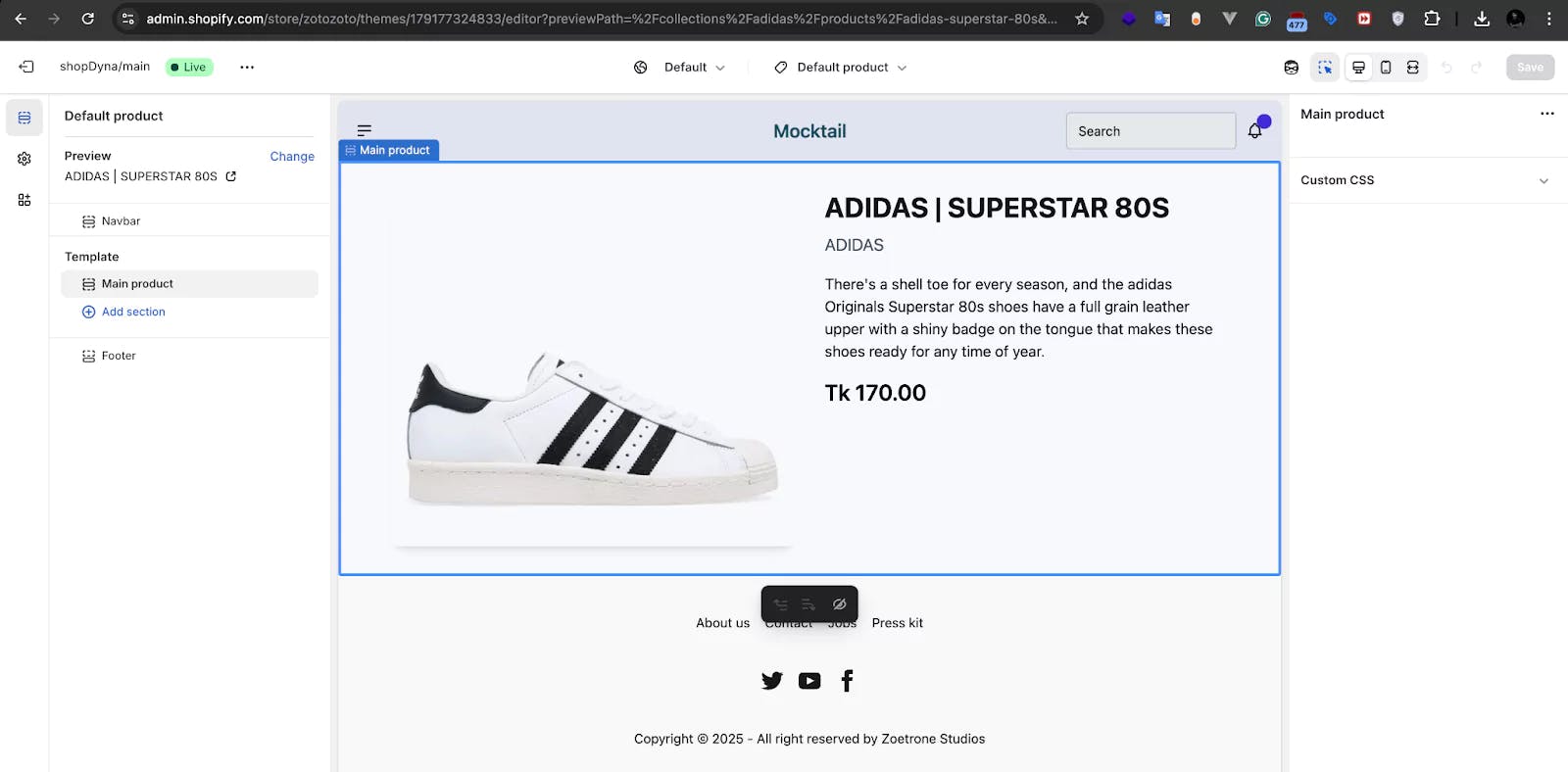
Upon deploying this small but significant change to Shopify, the product section finally rendered correctly! 🎉
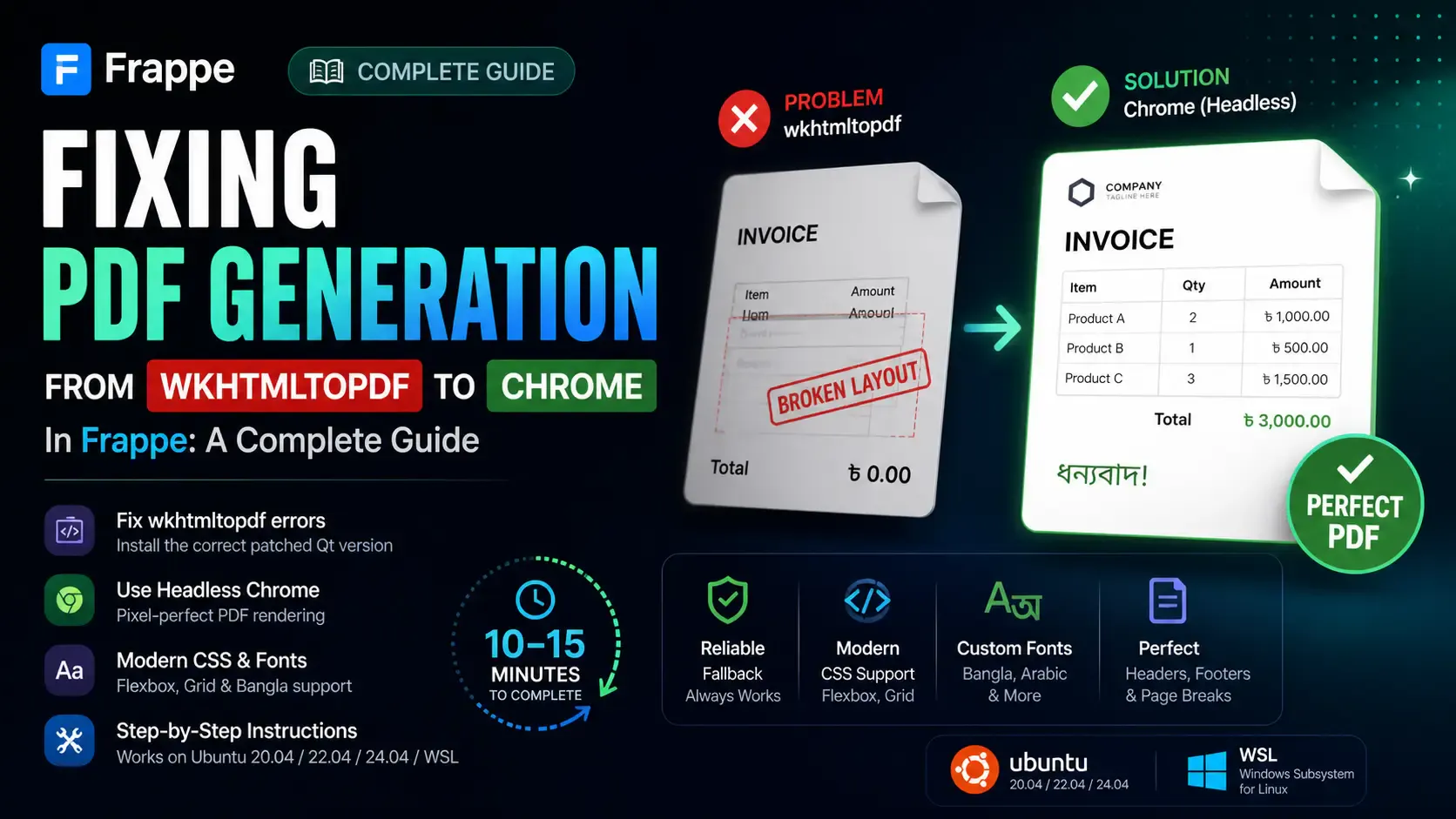
Getting the "Invalid wkhtmltopdf version" error in Frappe or ERPNext? Learn how to fix broken PDFs, install the patched Qt version, and switch to headless Chrome for pixel-perfect modern CSS and custom font support.

Learn how to quickly expose a localhost server to your local network on Windows using netsh portproxy. A step-by-step guide to accessing local apps from any device.
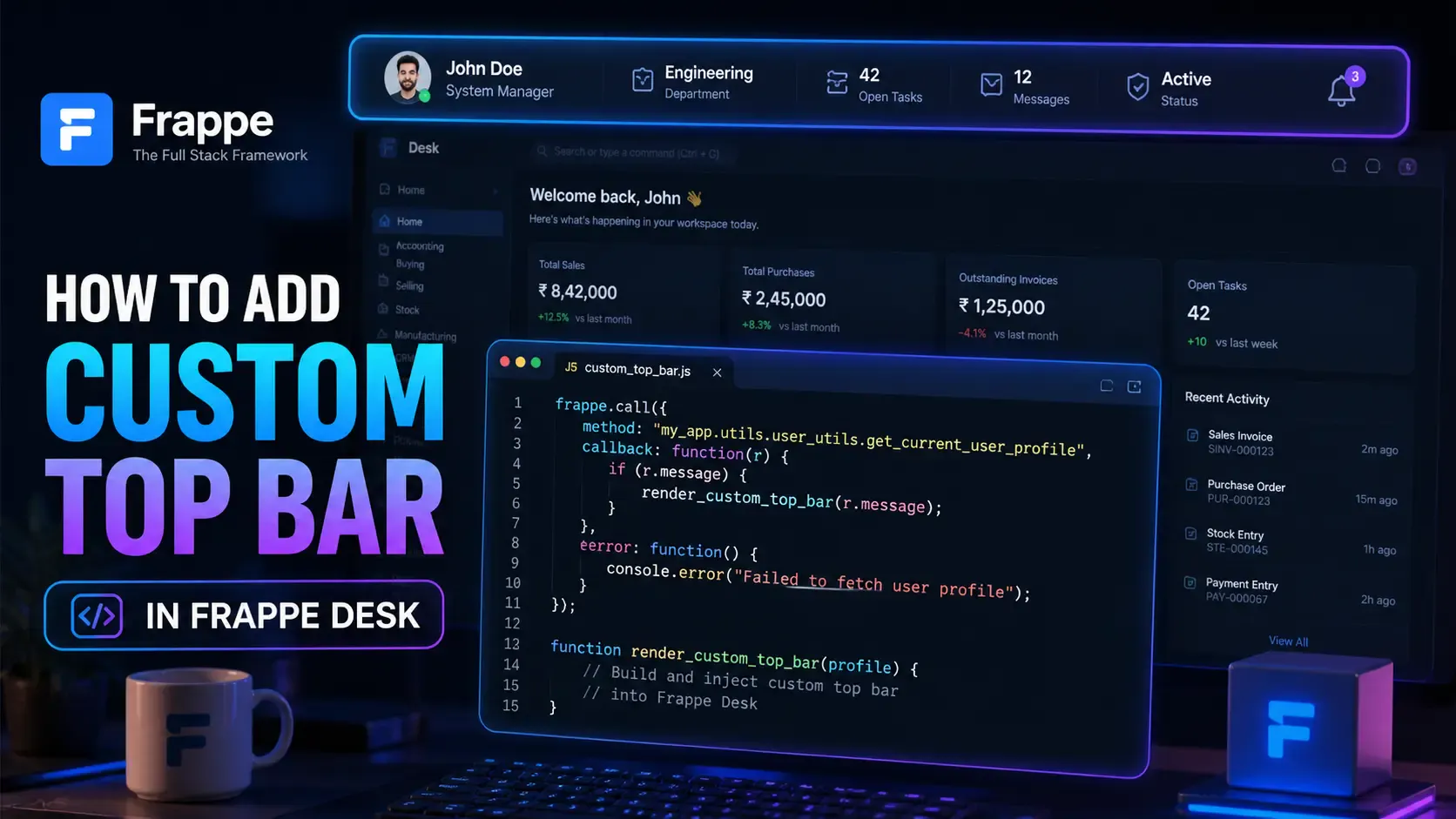
Learn how to enhance your Frappe Desk UI by adding a custom, dynamic top bar. Follow this beginner-friendly, step-by-step tutorial to display user profiles, statuses, and more!