Shopify Understanding Theme Files
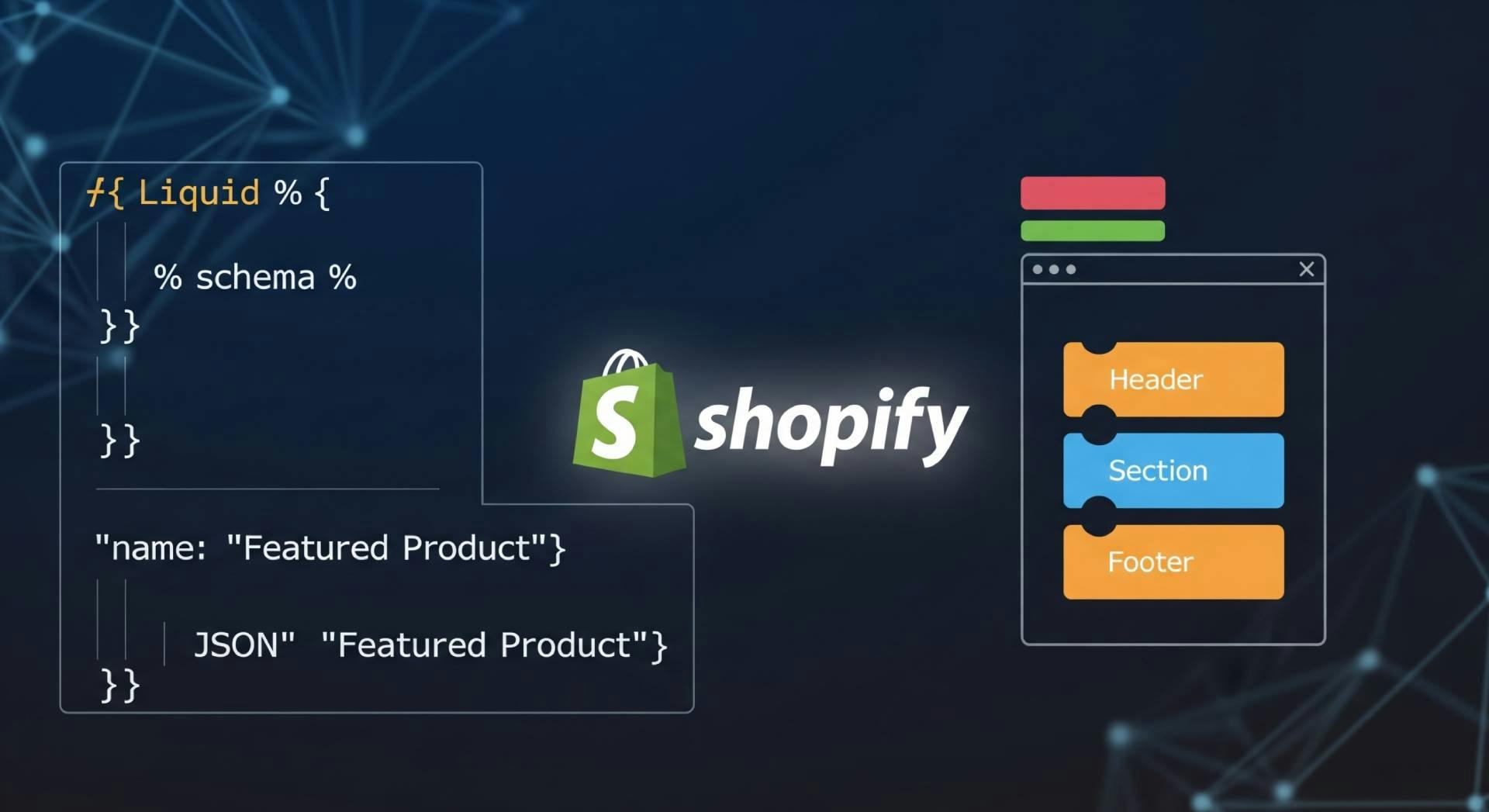
Shopify is an extremely popular e-commerce platform, but its unique templating system can be a challenge for developers. This revised guide offers a comprehensive, modern look at the core files and directory structure of a Shopify theme, with a special focus on the crucial changes introduced by Online Store 2.0. We will delve into Liquid, JSON templates, and the vital role of sections and blocks in building flexible, customizable storefronts.
At its heart, a Shopify theme is built on three core file types that work together to create a dynamic online store:
These are core template files that control page structure and functionality using Shopify’s templating language, Liquid. They define how product pages, carts, collections, and layouts work—similar to Jinja or Blade.
Files that bring your theme to life visually and functionally:
Located in the config/ folder, these define what settings merchants can customize via the theme editor.
Key file: **settings_schema.json**, which lets merchants:
my-shopify-theme/
├── assets/                          # 🖌️ Visual and interactive assets
│   ├── theme.css                    # Global styles (can be SCSS too)
│   ├── theme.js                     # Storefront JS (for interactivity)
│   ├── custom-font.woff2            # Fonts used in theme
│   └── logo.png                     # Logo or images referenced in layout/sections

├── config/                          # ⚙️ Theme customization settings
│   ├── settings_schema.json         # Defines editable options in the Theme Editor (UI schema)
│   └── settings_data.json           # Stores actual user-selected settings (generated by Shopify)

├── layout/                          # 🧱 Base structure (used by every page)
│   └── theme.liquid                 # Required layout file, includes head/body structure and dynamic content rendering via `{{ content_for_layout }}`

├── locales/                         # 🌐 Translations
│   ├── en.default.json              # Default language file
│   └── fr.default.json              # Optional additional language

├── sections/                        # 🧩 Modular page blocks (draggable in editor)
│   ├── header.liquid                # Usually included in `theme.liquid`
│   ├── footer.liquid                # Same as above
│   ├── featured-products.liquid     # Homepage/product section example
│   └── product-template.liquid      # Section used in `product.json`, contains main product content

├── snippets/                        # 🔁 Small, reusable templates (like partials)
│   ├── product-price.liquid         # Displays formatted product price
│   └── icon-cart.liquid             # A cart icon SVG or block

├── templates/                       # 📄 Page-level templates (use `.json` for OS 2.0)
│   ├── index.json                   # ✅ Homepage (required for sections on home page)
│   ├── product.json                 # ✅ Product page (includes `product-template` section)
│   ├── collection.json              # ✅ Single collection page
│   ├── search.json                  # ✅ Search results page
│   ├── blog.json                    # ✅ Blog listing page
│   ├── article.json                 # ✅ Single blog article page
│   └── page.contact.json            # ✅ Contact page with form and editable sections

├── templates/customers/             # 👤 Customer-related pages (must use `.liquid`)
│   ├── login.liquid                 # Login form
│   ├── register.liquid              # Registration form
│   └── account.liquid               # Logged-in customer dashboard

└── config.yml                       # Optional CLI tool configuration (Shopify CLI)
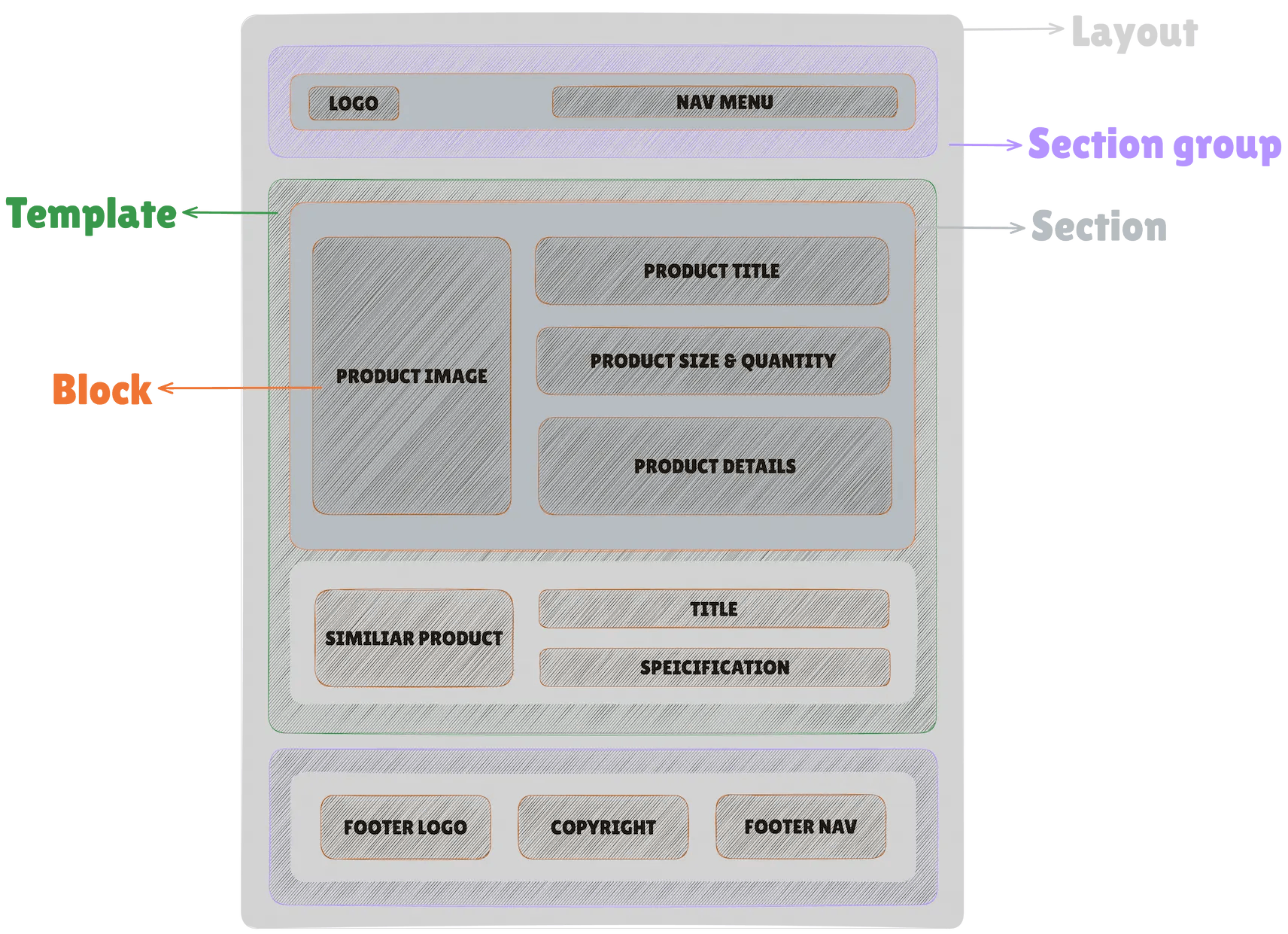
| Component | Description | File Type | Location |
|---|---|---|---|
| Layout | The base template. Defines global structure like header, footer, and outer <html> shell. | .liquid | /layout/ |
| Template | Defines the structure for specific pages (home, product, collection, etc.). | .liquid / .json | /templates/ |
| Section Group (in layout) | Modular containers that group multiple sections and app blocks with their settings. | .json | /sections/ |
| Section (in templates) | Reusable content modules rendered by templates or section groups. | .liquid | /sections/ |
| Blocks (inside sections) | Repeatable or reorderable sub-components defined in a section’s schema. | Schema attribute | Inside section schema tag |
index.liquid/).collection.liquidlist-collections.liquidproduct.liquidShows details of a single product including:
cart.liquidShopify hosts and manages checkout securely.
Customers go through 1–3 steps:
After placing the order, they see:
You can apply limited style customizations via the Shopify admin (for Plus users, deeper customization is possible).
customers/account.liquidAvailable for stores with customer accounts enabled.
Customers can log in to:
search.liquidblog.liquid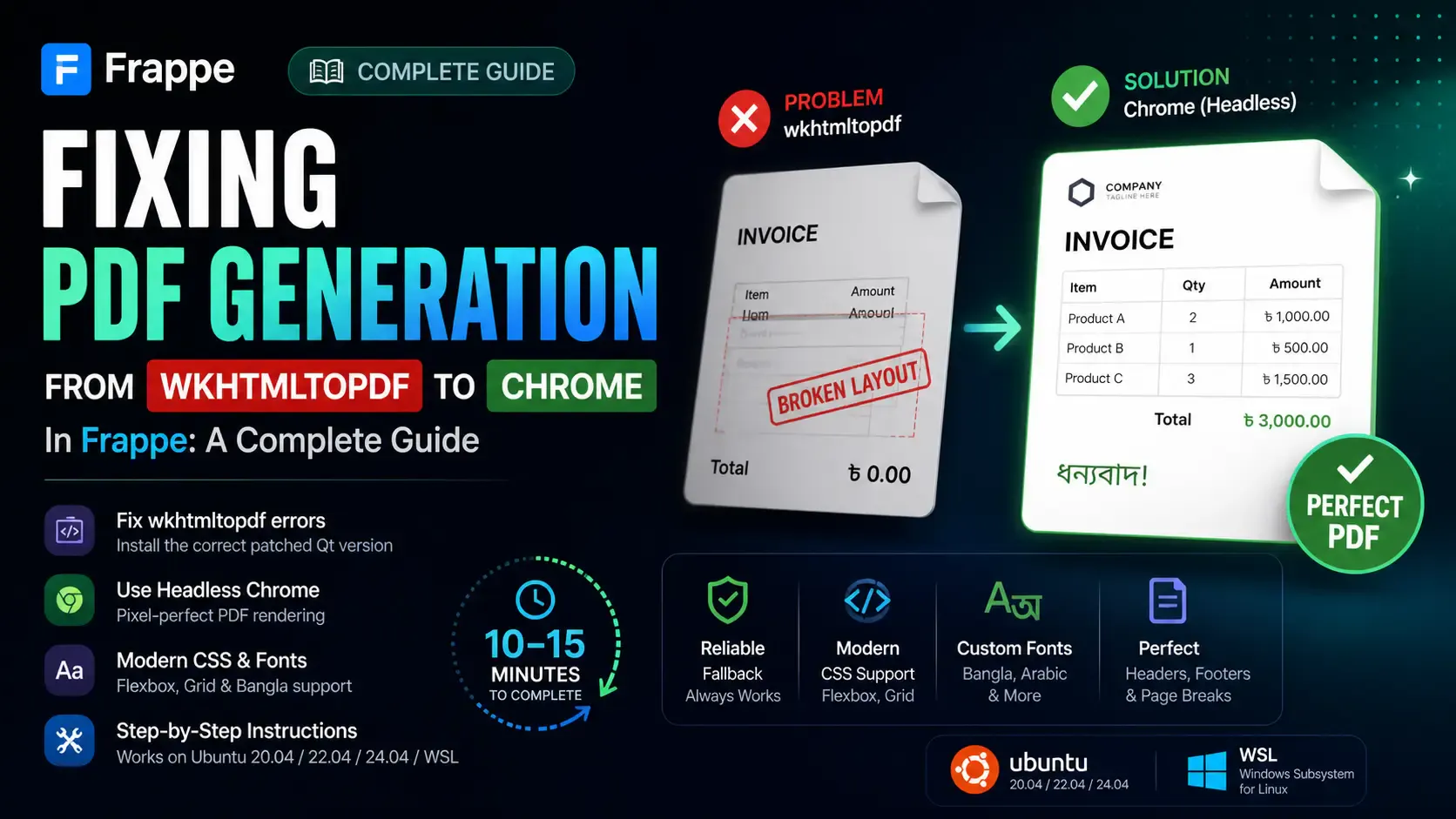
Getting the "Invalid wkhtmltopdf version" error in Frappe or ERPNext? Learn how to fix broken PDFs, install the patched Qt version, and switch to headless Chrome for pixel-perfect modern CSS and custom font support.

Learn how to quickly expose a localhost server to your local network on Windows using netsh portproxy. A step-by-step guide to accessing local apps from any device.

Learn how to enhance your Frappe Desk UI by adding a custom, dynamic top bar. Follow this beginner-friendly, step-by-step tutorial to display user profiles, statuses, and more!