Frappe guide on how to update Frappe apps and bench cli without getting stuck on frappe is updating page
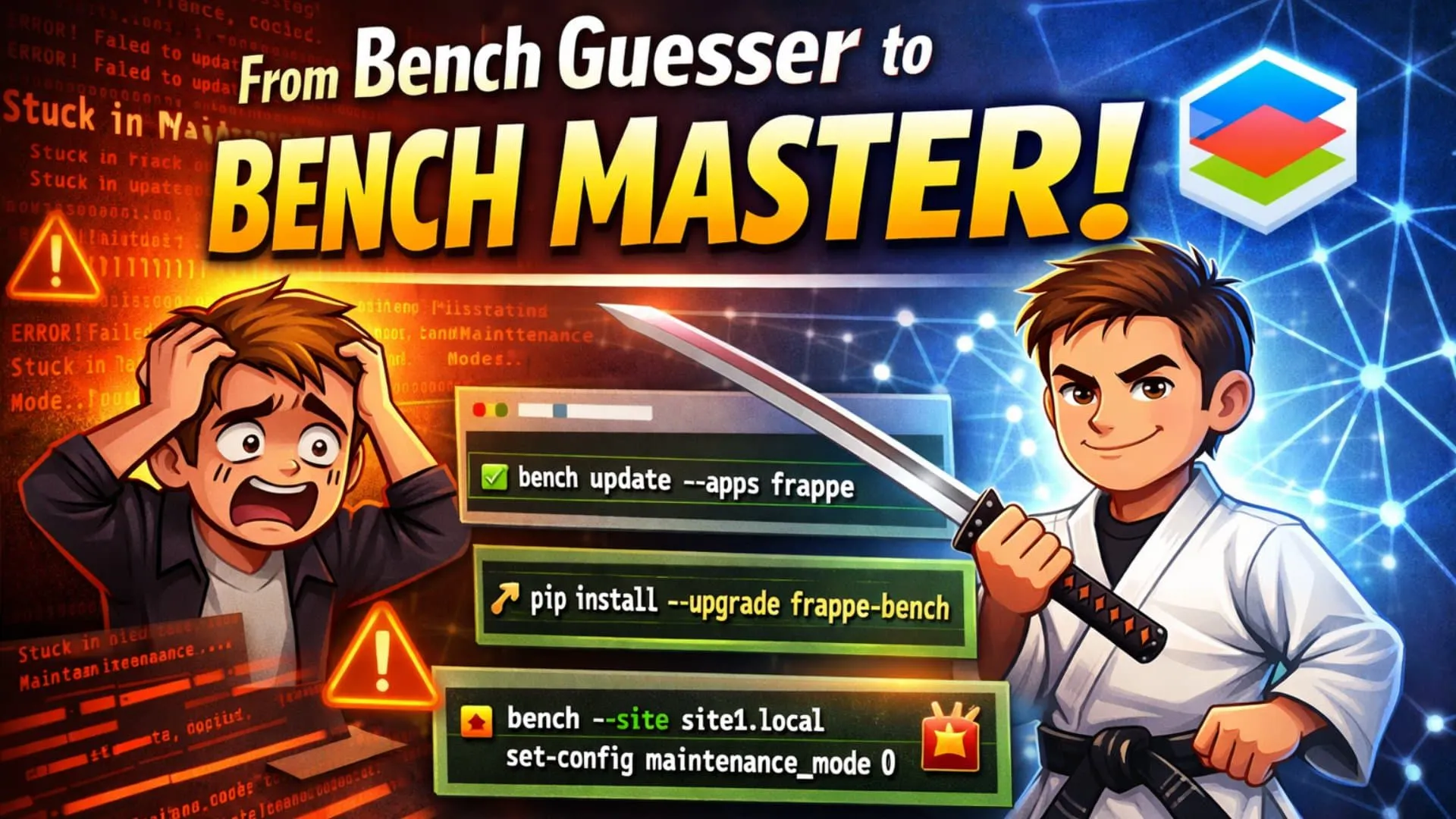
We’ve all been there. You run a command thinking it’s a quick refresh. Five minutes later? Your terminal is bleeding red error messages, and your localhost is trapped in the purgatory of the "Frappe is updating" screen. 😱
It’s a classic "I just wanted to code!" moment that turns into a 2-hour debugging session.
In the Frappe Framework ecosystem, bench update is arguably the most misunderstood command. Whether you're trying to update the CLI tool, fetch the latest features, or just sync your team's code, using the wrong command—especially in a multi-developer setup—is a recipe for disaster.
Let's fix that. Today, we turn you from a "Bench Guesser" into a "Bench Master." 🥋
In a rush? Here is your survival kit. Bookmark this table. 🔖
| Your Goal 🎯 | The Command 💻 | What it Actually Does 🧠 |
|---|---|---|
| Update EVERYTHING | bench update | 🧨 Pulls, builds, and patches ALL apps. Risky in teams. |
| Update ONE App | bench update --apps [app_name] | 🎯 Pulls & patches ONLY the specific app (e.g., frappe). |
| Update Bench Tool | pip install --upgrade frappe-bench | 🔧 Updates the global CLI tool (not your site code). |
| Fix "Stuck" Site | bench --site [site] set-config maintenance_mode 0 | 🚑 Forces the site out of maintenance mode. |
When you type bench update and hit enter, you are triggering a Full Sync. It feels safe, but it’s actually the "Nuclear Option." ☢️
What happens under the hood:
git pull for every single app (Frappe, ERPNext, Custom Apps, etc.).pip) and Node (yarn/npm) packages.In a team environment, bench update pulls everyone's latest changes.
develop branch of a custom app? Now it's your broken code.Pro Tip: Treat bench update like a production deployment command, not a daily sync tool.
Smart developers use a scalpel, not a hammer. If you only need the latest bug fixes from the frappe core or a specific app, don't update everything. Stay isolated. Stay safe.
Run this instead:
bench update --apps frappe
Why is this better?
The nightmare scenario: A bench update crashes halfway through. You panic, refresh your browser, and see this:
"The site is currently being updated..."
Technically, your site is stuck in Maintenance Mode. To prevent data corruption, Bench locks the site during updates. If the process dies (internet cut out, error thrown), Bench "forgets" to unlock the door.
You don't need to reinstall. You just need to force the door open. Run this command:
bench --site [your-site-name] set-config maintenance_mode 0
(Replace [your-site-name] with your actual site URL, e.g., site1.local)
Afterward, it's good practice to run these two commands to ensure your assets are clean:
bench build
bench migrate
Now, refresh your page. You're back in business! 🚀
This confuses everyone. You see a message in your terminal:
⚠️ A new version of Bench is available!
So you run bench update... and the message is still there. Why? 😡
Because bench (the CLI tool) and frappe (the framework apps) are different things!
To update the tool itself, you need pip:
pip install --upgrade frappe-bench
Note: Run this from your system's normal terminal (or wherever you installed bench originally), not necessarily inside your virtual environment.
Don't let muscle memory ruin your morning.
pip to update the bench cli.--apps to update specific app.maintenance_mode 0 to rescue your site.Happy coding! 💻✨
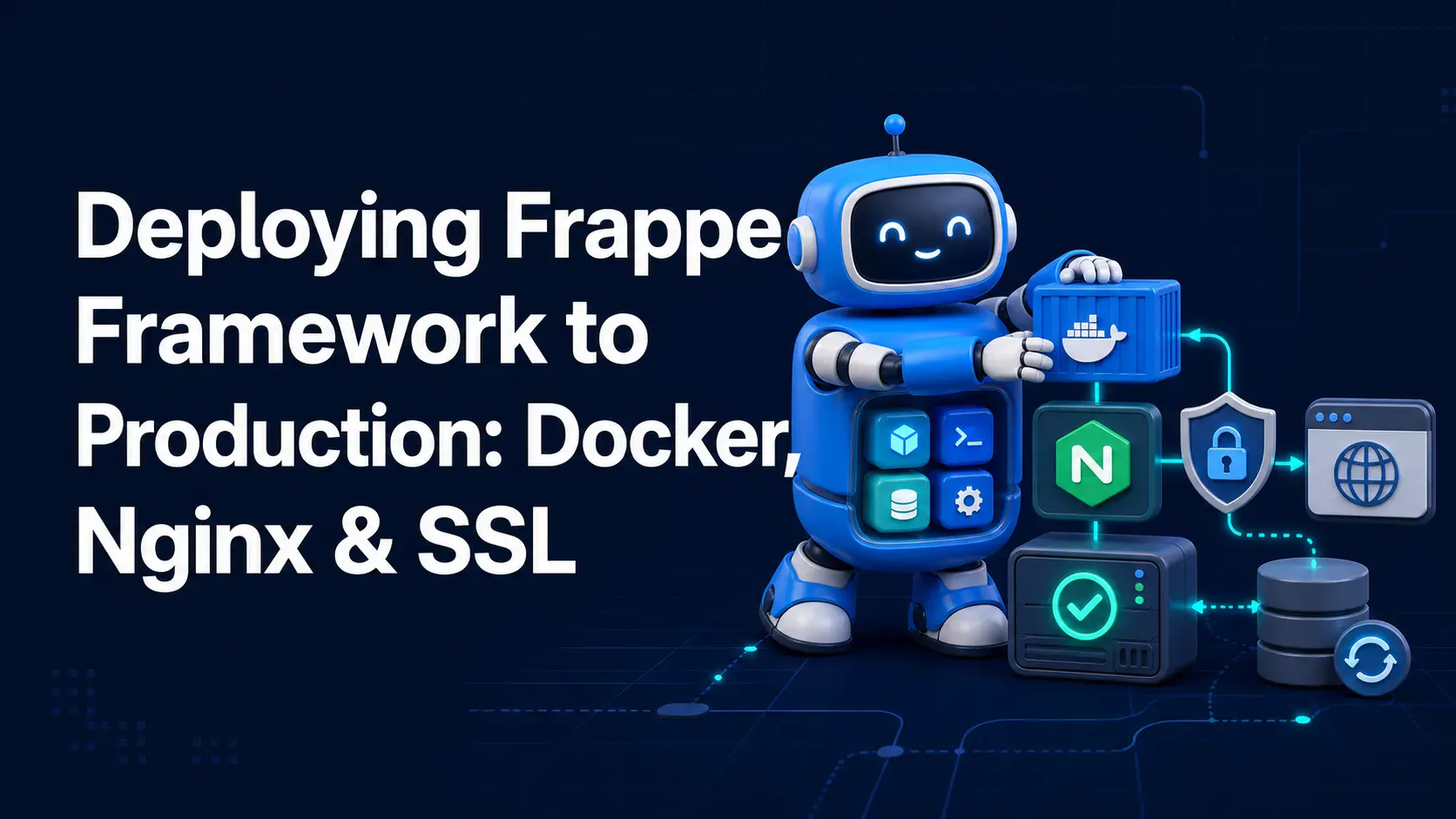
A complete, practical guide to deploying Frappe Framework in production using frappe_docker, Nginx as a reverse proxy, and Let's Encrypt SSL — no bench start required.
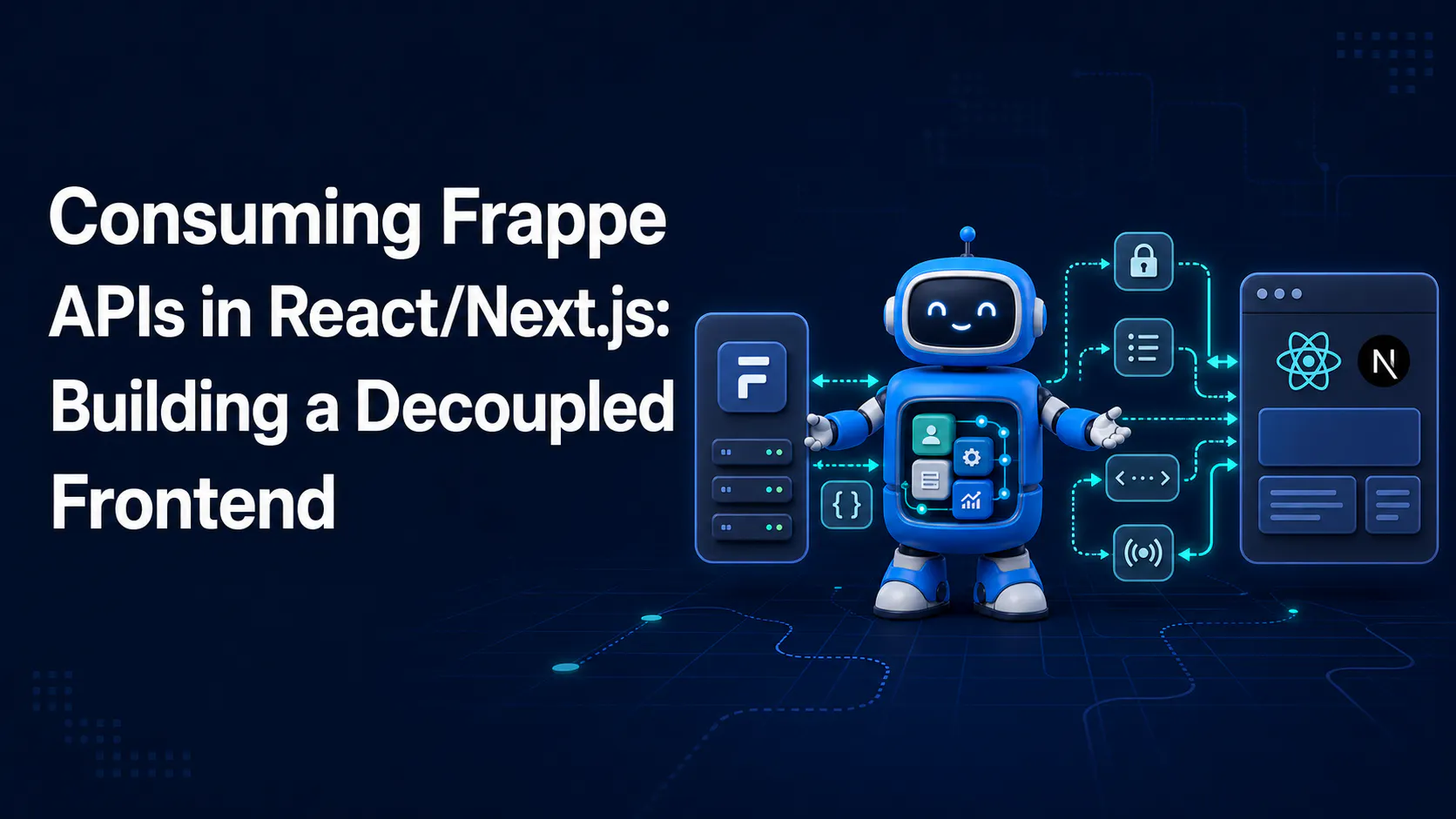
A step-by-step guide to calling Frappe's REST API from React/Next.js, handling session and API-key auth correctly, and wiring up live updates with Socket.IO

Learn how to add Stripe and Razorpay subscription billing to a custom Frappe app — whitelisted APIs, webhook signature verification, and scheduler-based renewals.