Goodbye Qwen Image Edit: Why Flux 2 Klein 9B KV is the New Standard for Production
⏱️ Time to Complete: ~5 minutes read
🎯 What you’ll achieve/learn:
In the world of professional CGI, precision isn't just a "nice-to-have"—it's a strict requirement. When tackling realistic lighting modifications for massive elements like unlit satellite imagery, the AI tools we use must respect the original plate.
For a while, Qwen Image Edit (specifically QNEdit 2511) was a common go-to in ComfyUI workflows. But when applying it to rigorous production pipelines at environments like Zoetrone Studios, I kept hitting the same walls: annoying pixel shifts, aggressive stretching, and frustrating quality degradation.
Recently, a fantastic breakdown by The 3-Minute Node confirmed exactly what I've been experiencing firsthand. I too found that Flux 2 Klein 9B KV is unparalleled for production-heavy workloads, completely changing how I handle high-stakes image editing. Let's dive into why it's time to upgrade your pipeline. 🛠️
In any professional compositing or editing workflow, resolution management is always your first hurdle. Let's say you're starting with a massive 8192 x 3993 pixel aerial shot. No current model can handle that natively without causing a massive VRAM overhead or a complete collapse of output quality. You have to scale it down.
However, ComfyUI’s native "Image Scale to Total Pixels" node has a significant flaw. When scaling down to a manageable size, it generates a terrible multiplier that fights against the 16-pixel block sizes these AI models prefer. If you try to force the resolution steps to 16 or 64 to get clean math, the image doesn't just resize—it stretches aggressively. And in our line of work, a stretched plate is a broken plate. 🏚️
✨ The Fix: Use the Flux Context Image Scale node. It is infinitely more robust, allowing you to scale an 8K plate down to a clean 1456 x 720 (perfect multiples of 16) with zero stretching or distortion.
[🖼️ Image Suggestion 1 - Side-by-Side Comparison]: Place a screenshot here showing the squashed output from the native ComfyUI scaling node next to the perfectly preserved aspect ratio from the Flux Context Image Scale node. This immediately validates the technical problem for your readers.
With a properly scaled foundation, let's look at why Qwen Image Edit ultimately fails the production test.
If we run a standard QNEdit 2511 workflow at 4 steps and prompt it to simply "change lighting to noon," the initial result might look okay to a casual observer. But a professional eye will immediately spot the fatal flaw: Pixel Shift.
The before and after images do not align perfectly. If your modified plate doesn't match the exact original geometry of your scene, it is completely useless for compositing downstream in industry-standard software like Blackmagic DaVinci Resolve or Foundry Nuke.
People often suggest a quick fix: disable the image/VAE inputs from the Qwen text encode and use the reference latent method instead. While this does stop the pixel shifting, the AI loses its grip on the prompt. The textures become muddy, and that professional-grade detail is completely washed out. 🌧️
[🔍 Image Suggestion 2 - Zoomed-In GIF or Slider]: Add an animated GIF or an image slider here highlighting a specific building or road. Show the geometry shifting with Qwen, and then show the muddy textures of the "reference latent" workaround. Visual proof of the pixel shift is highly engaging.
This brings us to the real game-changer: Flux 2 Klein 9B KV.
This is a robust 9-billion parameter model built specifically on the Flux architecture, heavily optimized with Key-Value (KV) caching. This cutting-edge caching mechanism allows the model to maintain incredible consistency, pinpoint precision, and blazing speed during image-to-image and editing tasks. ⚡
Setting up an apples-to-apples comparison using the exact same Flux Context scaling and reference latent approach (but utilizing default ComfyUI text encode nodes), the results are night and day!
[⚙️ Image Suggestion 3 - Node Workflow Screenshot]: Insert a clean, high-resolution screenshot of your ComfyUI node tree using Flux 2 Klein 9B KV. Your technical readers visiting sabbirz.com will want to see exactly how to wire this up in their own setups.
Why it’s a Production Powerhouse:
For professional CGI workflows, accuracy, speed, and image integrity are entirely non-negotiable. You cannot afford to spend hours in post-production fixing misaligned plates just because your AI model shifted the geometry by a few pixels.
Because it completely eliminates pixel shifting and quality loss while retaining lightning-fast generation speeds, Flux 2 Klein 9B KV is the new gold standard. It has effectively replaced QNEdit in my pipeline starting today, and I highly recommend you test it in yours. 🏆

Learn what Ollama is, how it differs from Llama, how local AI models are packaged, and where Ollama fits in a developer workflow.
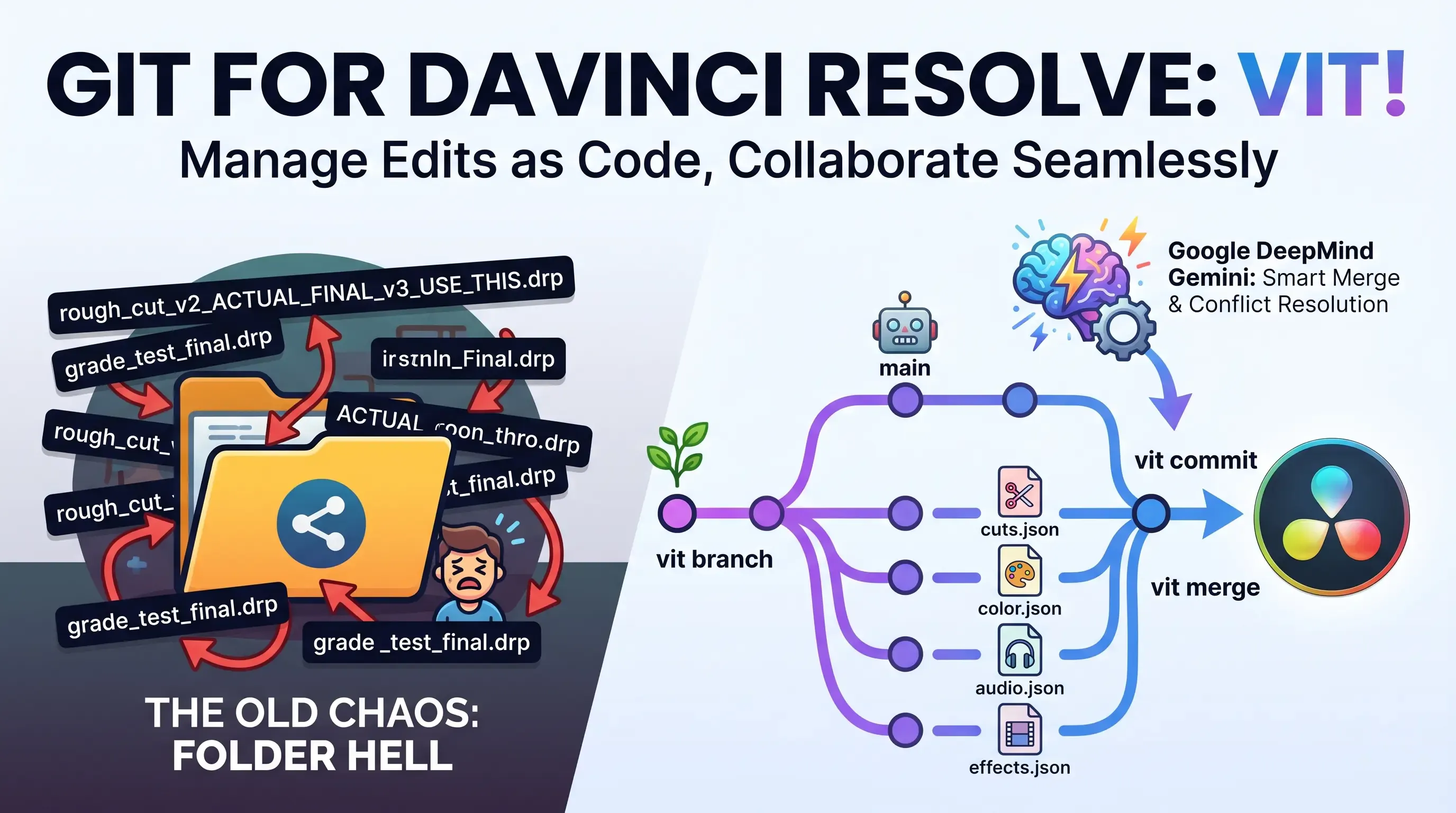
Explore Vit, the revolutionary tool that uses AI semantic merges to resolve video editing conflicts in DaVinci Resolve. Perfect for editors, colorists, and sound designers.
Confused by AI model formats on Hugging Face? Learn the differences between GGUF, FP8, SafeTensors, Distilled, and VAE to choose the right file for your PC hardware.