The Future of Video Edit Collaboration: How Vit Brings Git Version Control to DaVinci Resolve
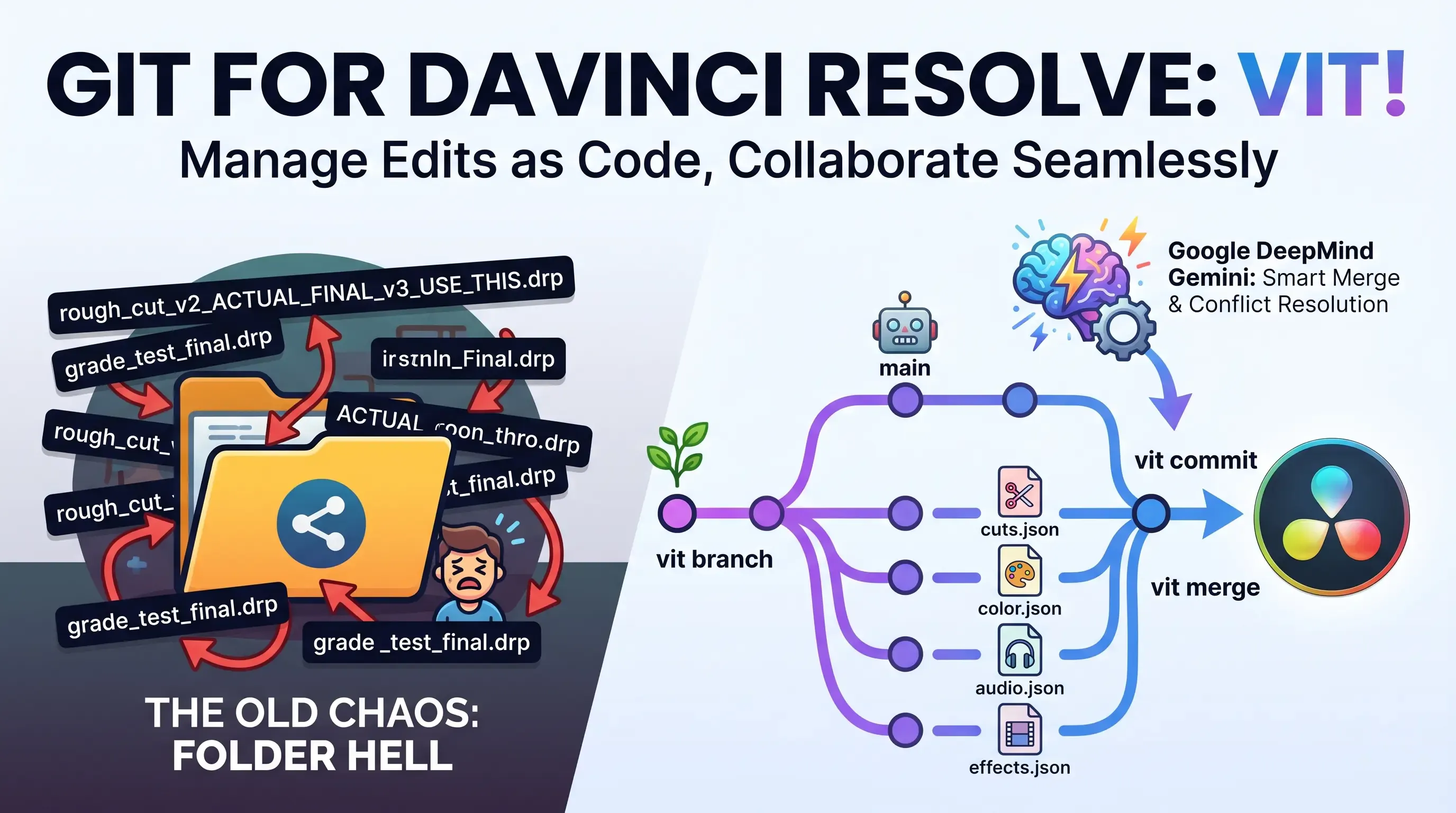
If you’ve ever worked on a video project with more than one person—or even just your past self from two weeks ago—you’ve undoubtedly felt the pain. 😫 A shared folder full of terrifying files named final_v2_ACTUALFINAL_USE_THIS_ONE.drp. The colorist accidentally overwrites the lead editor's cuts. The sound designer goes off in a totally different direction while you're still tweaking B-roll. And when something breaks? There is absolutely no clean way to roll back the clock.
Software developers solved this collaborative mess decades ago. It’s called version control, and the legendary standard they use is Git.
Now, a brilliant open-source project called Vit is bringing that exact same life-saving philosophy to video editing—specifically targeting DaVinci Resolve timelines. The core idea is simple: What if your video edit was code? 💻✨
~5-7 minutes of reading.
Raw video files are enormous. You can't just throw terabytes of 4K ProRes or camera RAW footage into a GitHub repository and call it a day.
But here’s the crucial thing—the edit itself isn't the footage. The edit is simply a stream of decisions: which clip goes where, what color grade was applied, how the audio levels sit, and where the markers are placed. That’s all metadata, and metadata is beautifully tiny. 🤏
Vit magically serializes your entire DaVinci Resolve timeline into a set of lightweight JSON files. By separating your project into domain-specific files, Vit lets team members own different parts of the pipeline:
cuts.json ✂️: Tracks clip placements, in/out points, and transforms (typically owned by the Editor).color.json 🎨: Tracks color grading parameters and nodes per clip (typically owned by the Colorist).audio.json 🎧: Tracks audio track details, levels, and panning (typically owned by the Sound Designer).effects.json 🎞️: Houses transitions, titles, and fusion effects metadata.markers.json 📌: Stores timeline notes, tags, and review markers.metadata.json ⚙️: Captures project-wide settings like resolution, frame rate, and color space.Because everyone works safely inside their own domain files, Git can merge their work together without messy conflicts—just like developers collaborating on separate modules in a massive codebase. It’s an elegant architectural decision that makes parallel video production a reality. 🚀
Let’s get one thing straight: Vit isn't just a fancy Dropbox or Google Drive backup system. It’s a genuine, robust collaboration framework built for modern post-production teams.
Here is how a typical multi-person project flows with Vit:
vit init once and pushes the timeline state to a shared GitHub repository.vit checkout main.vit branch color-grade or vit branch sound-mix.color.json and audio.json) don't overlap!The raw video footage itself? You still share that the old-fashioned way (via a local NAS, Google Drive, Dropbox, or Frame.io). Vit only versions the edit decisions—which is exactly what actually needs versioning.
Even with domain-split files, edge cases will always exist. What happens if the lead editor deletes a clip on the main branch, but the colorist has spent hours grading that exact clip on their color-grade branch?
These cross-domain conflicts don't have an obvious mathematical resolution—it’s a creative, contextual judgment call.
Vit’s brilliant answer is an AI-powered semantic merge running on Google DeepMind's Gemini AI.
When a conflict surfaces:
BASE, OURS, and THEIRS states across all domain files.There’s also a rigid post-merge validation step that catches:
These issues are fed directly back into the Gemini prompt for an even smarter resolution on the next attempt.
[!TIP] No API Key? No Problem! 🔑 Don't have a Gemini API key? No stress. Vit gracefully falls back to basic, reliable heuristics. The smart merge and auto-suggestions disappear, but the core versioning system still works flawlessly. That’s top-tier, resilient API design.
vit log --summary gives you a human-readable, natural-language overview of recent team changes.The absolute best part? You don't have to be a command-line hacker to use this.
The primary interface isn’t a scary black terminal—it’s a sleek panel that lives directly inside DaVinci Resolve. You simply access it via Workspace → Scripts → Vit Panel.
From there, everything is just simple buttons:
For the terminal lovers, the command-line interface (CLI) is fully featured and mirrors all the panel functionality. It’s perfect for scripting automations or interacting with the project outside of Resolve:
# Initialize a new Vit project
vit init

# Commit your current timeline changes
vit commit -m "rough cut done, awaiting approval"

# Branching and checkout
vit branch color-grade
vit checkout color-grade

# Merge changes into your active branch
vit merge color-grade

# Diff and log inspection
vit diff
vit log
Setting up Vit in your environment is straightforward.
Open your terminal and run the official one-liner script:
curl -fsSL https://raw.githubusercontent.com/LucasHJin/vit/main/install.sh | bash
Once installed, follow the terminal prompts to link Vit with DaVinci Resolve. The next time you open Resolve, you will find the Vit Panel ready to roll under the Workspace scripts menu! 🎬
There is a long, depressing history of software tools that try to force developer practices onto creative workflows. Most fail because they introduce too much friction.
Vit completely avoids that trap. It works with the way video teams already naturally collaborate—using shared drives for the heavy footage and GitHub for lightweight timeline coordination. It layers version control exclusively on top of the one thing that truly needs it: the edit metadata.
By running directly inside DaVinci Resolve as a native panel, it respects the editor's workspace. For teams grinding out edits, Vit could genuinely revolutionize how collaborative projects are managed. For solo editors, it finally answers the ancient question of how to sanely manage versions without a folder stuffed with "FINAL_v7" garbage.
The project is proudly MIT Licensed, fully open-source, and ready to be integrated into your workflow.
Check out the Vit GitHub repository for their full documentation, collaboration guides, JSON schemas, and a fascinating breakdown of how the AI merge works under the hood. Happy editing! 🎥✨
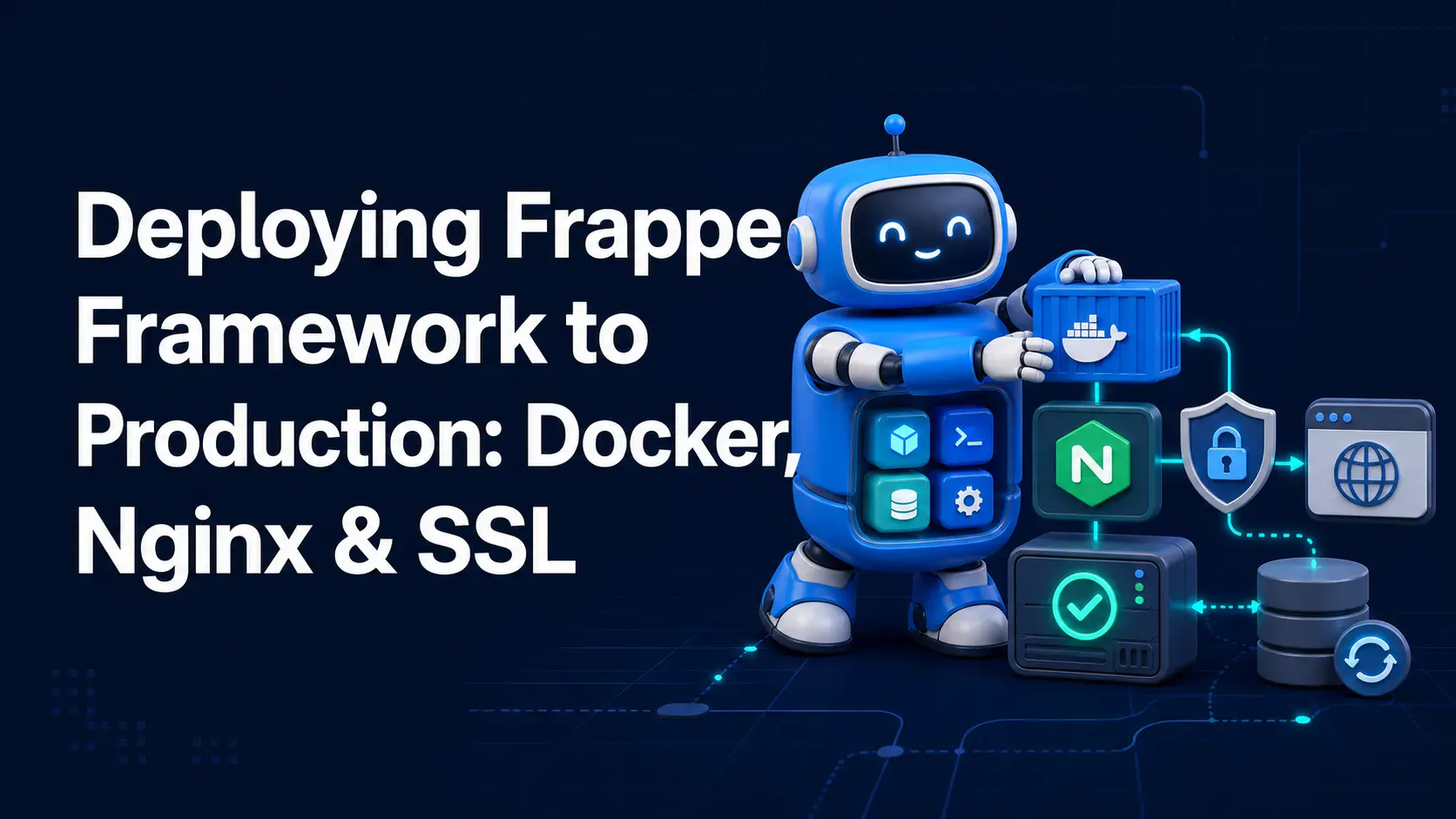
A complete, practical guide to deploying Frappe Framework in production using frappe_docker, Nginx as a reverse proxy, and Let's Encrypt SSL — no bench start required.
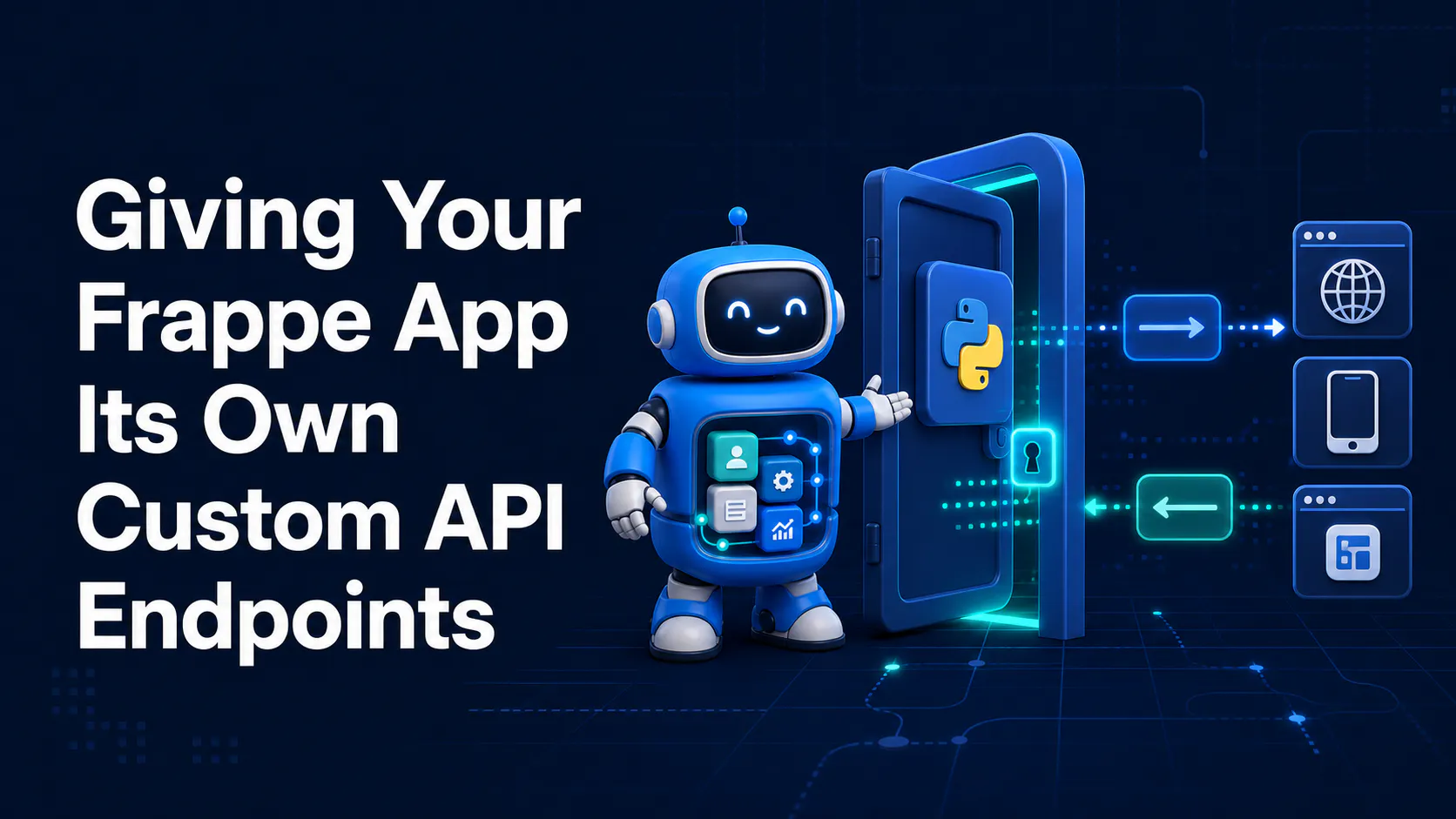
Stop fighting the built-in resource API for complex business logic. Here's how to expose your own Python functions as clean, secure REST endpoints in Frappe
Is Flux 2 Klein 9B KV better than Qwen Image Edit? Dive into our comprehensive breakdown proving how Flux 2 maintains accuracy for CGI, DaVinci Resolve, and Nuke.