How to Customize Ollama Models with Modelfiles for Apps and Automation (Part 3)
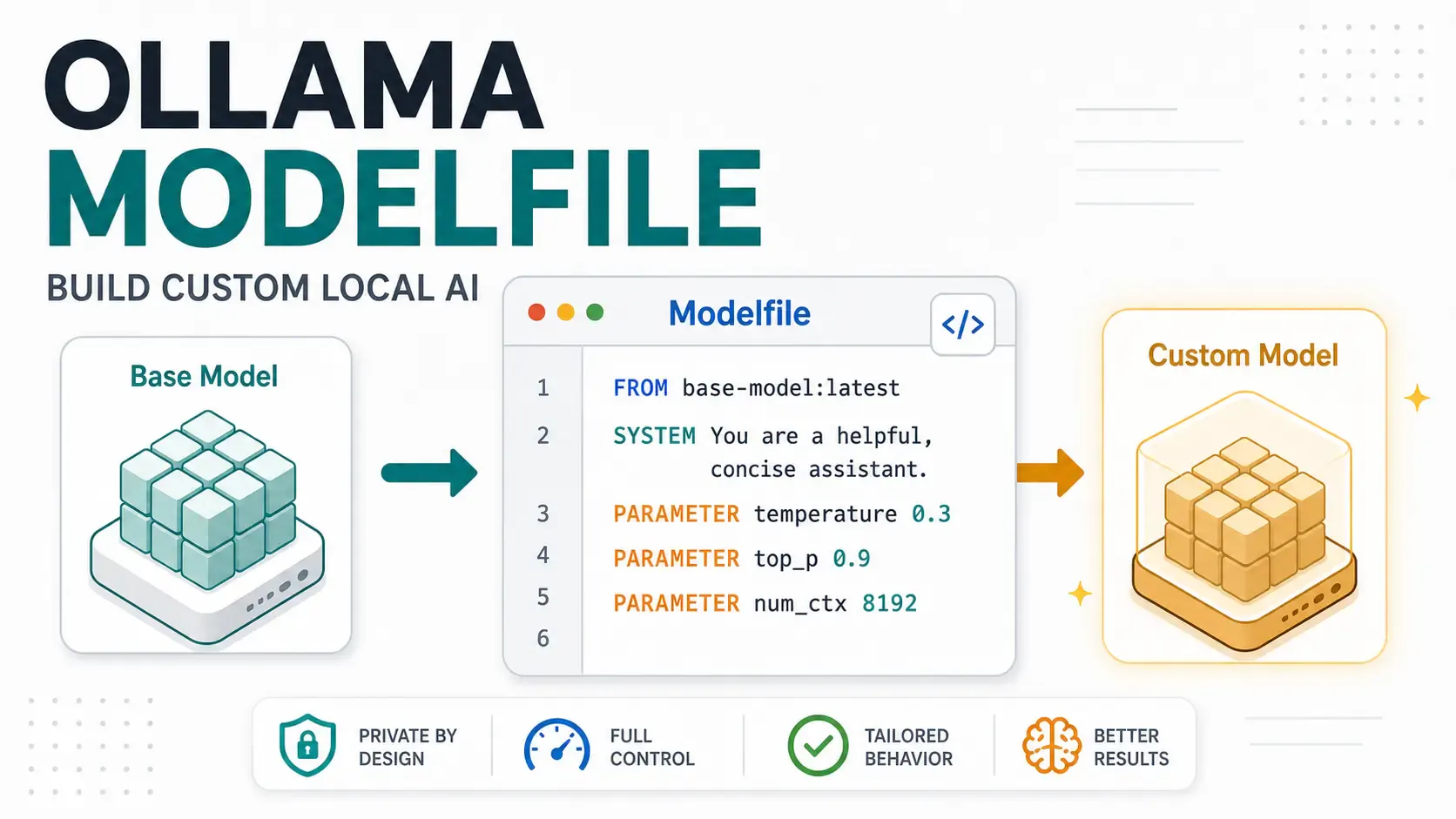
In Part 1 and Part 2, we covered the mental model, installation, and API usage. Now it's time to make Ollama actually yours — by building custom model variants with the Modelfile, no fine-tuning or GPU training required.
If you are building an internal support assistant, private code reviewer, document chatbot, or local AI API, Modelfiles are one of the cheapest ways to make the model behave consistently before you spend money on fine-tuning, managed inference, or bigger hardware. 💸
Around 15 minutes.
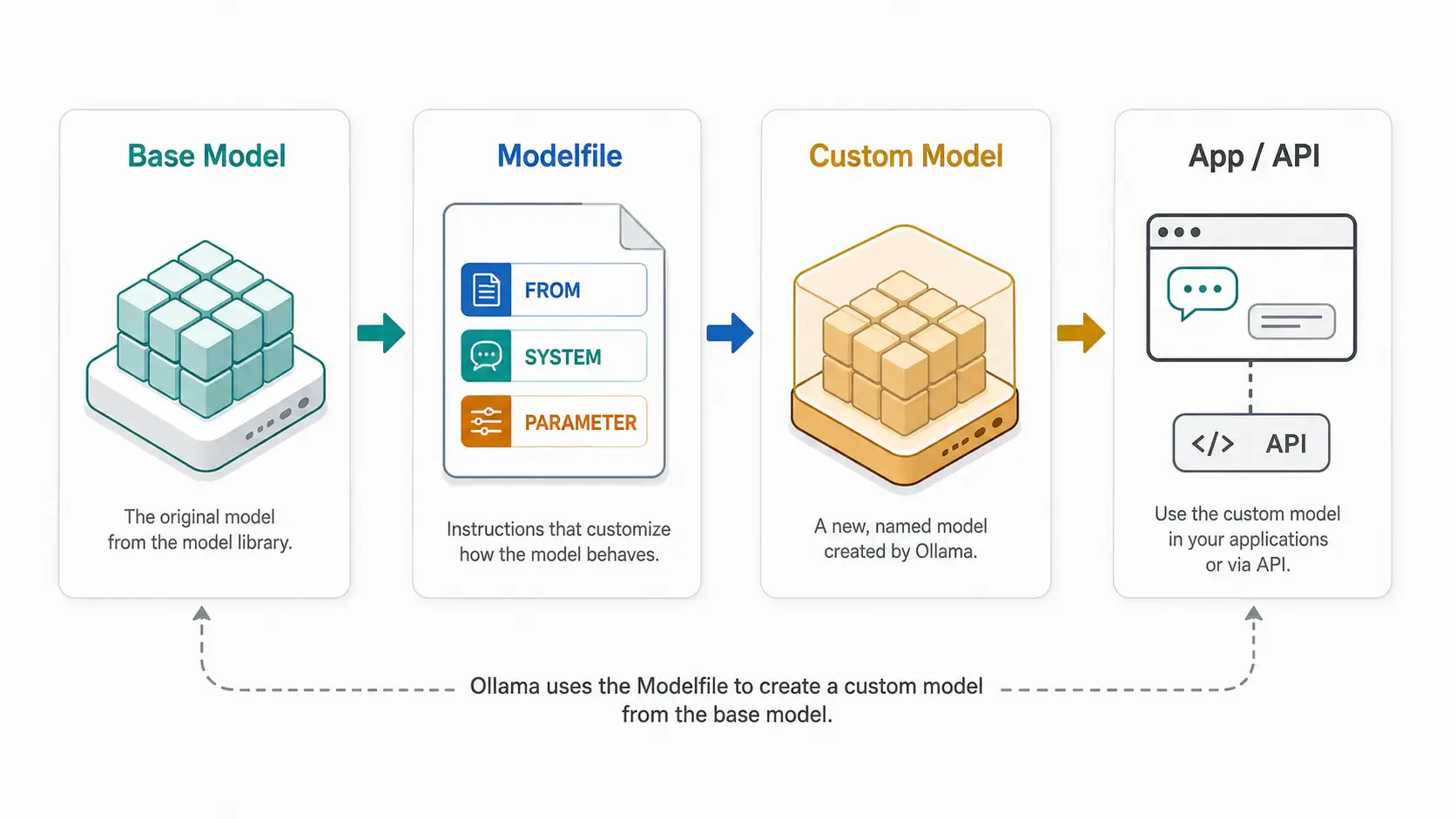
ollama --version)ollama pull llama3.2A Modelfile is a plain text file — like a Dockerfile, but for AI models — that tells Ollama: "Start from this base model, then apply these tweaks." No retraining, no GPU-hours, no dataset needed. You're customizing behavior, not weights.
This is the easiest way to:
[!NOTE] Ollama has an official Modelfile reference. This post focuses on the practical workflow and the parts most developers actually use first. 🧠
Create a file named Modelfile (no extension) anywhere on your machine:
FROM llama3.2

SYSTEM """
You are a senior code reviewer. You are direct, concise, and always
point out security issues first. You never apologize excessively.
"""

PARAMETER temperature 0.3
Each instruction does something specific:
| Instruction | Purpose |
|---|---|
FROM | The base model to build on top of (required) |
SYSTEM | A permanent system prompt baked into the model |
PARAMETER | Generation settings like temperature, context length, etc. |
TEMPLATE | (Advanced) Custom prompt formatting for the model |
Think of this as packaging your best prompt engineering into a reusable local model. Instead of pasting the same 30-line instruction into every script, API call, or automation job, you move the stable behavior into the model definition. 📦
From the same directory as your Modelfile:
ollama create code-reviewer -f ./Modelfile
This bakes your system prompt and parameters into a new named model called code-reviewer. Run it like any other model:
ollama run code-reviewer "Review this function: def add(a,b): return a+b"
No need to repeat your system prompt every time — it's now permanent for this model.
[!TIP] Naming convention matters for teams. Use clear names like
code-reviewer,support-bot, orsql-helperso anyone on your team knows what each custom model does just fromollama list.
For app work, this also makes your code cleaner. Your backend can call code-reviewer directly through the Ollama generate API instead of sending a giant system prompt on every request.
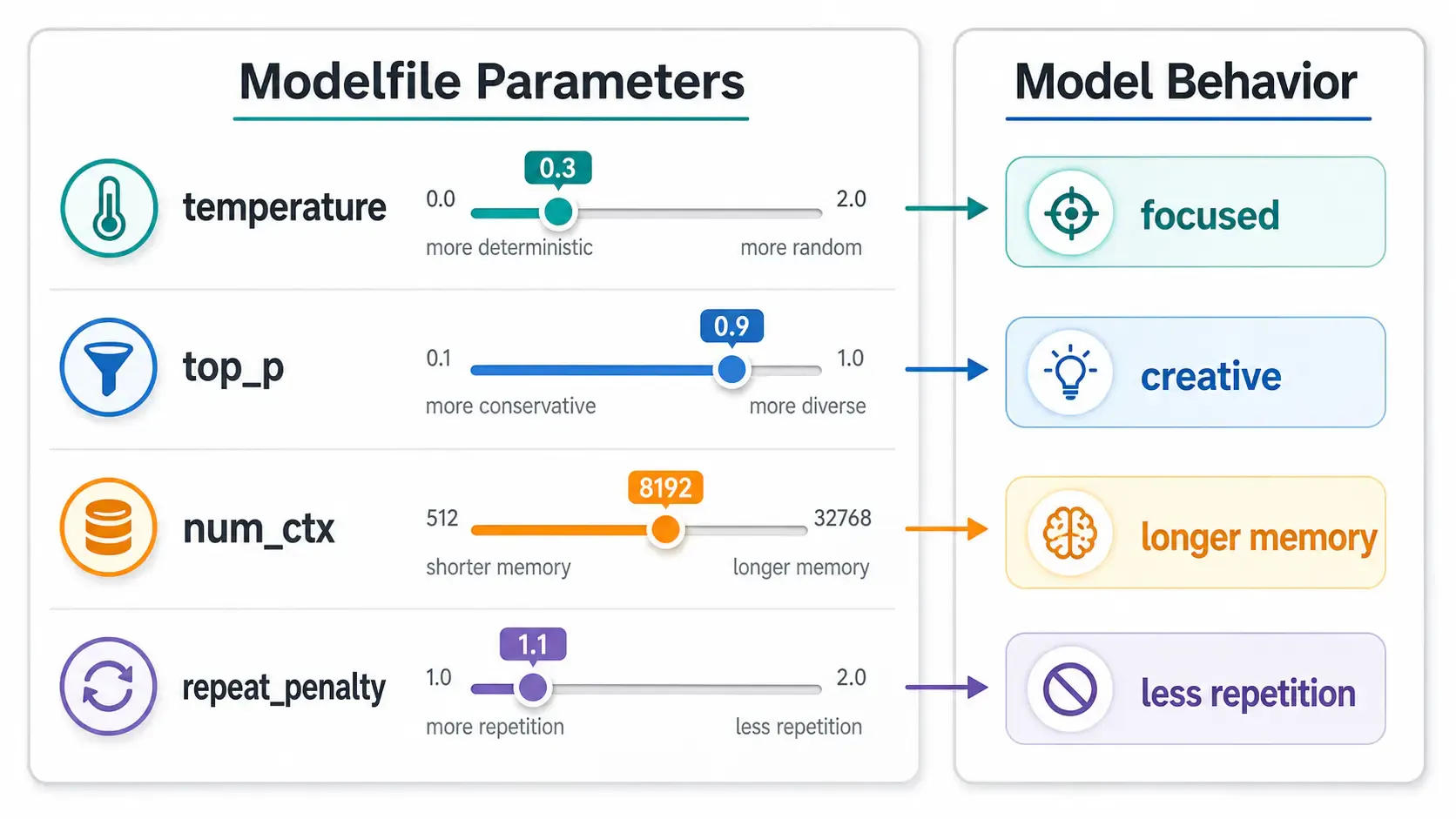
These are the parameters worth understanding first:
| Parameter | What it controls | Typical range |
|---|---|---|
temperature | Randomness/creativity. Lower = more focused, higher = more varied | 0.0 – 1.0 |
top_p | Nucleus sampling — limits word choice to the most likely options | 0.5 – 0.95 |
num_ctx | Context window size (how much conversation history it can "remember") | 2048 – 8192+ |
repeat_penalty | Discourages repeating the same phrases | 1.0 – 1.3 |
Example — a focused, low-randomness assistant with a larger context window:
FROM llama3.2

SYSTEM """
You are a precise technical writer. Answer only with facts you are
confident about. If unsure, say so explicitly.
"""

PARAMETER temperature 0.2
PARAMETER num_ctx 8192
PARAMETER repeat_penalty 1.1
[!NOTE] Higher
num_ctxuses more memory. If you increase it significantly, revisit a hardware guide before buying or upgrading. Useful starting points: NVIDIA GPUs, Apple Mac hardware, and my local Ollama hardware posts on sabbirz.com. 🧮
| Use case | Suggested settings | Why |
|---|---|---|
| Code review assistant | temperature 0.2, repeat_penalty 1.1 | Focused, less chatty, fewer creative guesses |
| Customer support bot | temperature 0.3, top_p 0.9 | Consistent but still natural |
| Brainstorming assistant | temperature 0.8, top_p 0.95 | More variation and idea generation |
| Documentation writer | temperature 0.2, num_ctx 8192 | More room for source material and fewer surprises |
The TEMPLATE instruction controls exactly how your prompt and system message get formatted before being sent to the model. Most users never need to touch this — the base model's default template is usually correct. Only override it if you know the exact prompt format your base model expects. Check the model page on Ollama's library, and if the model is based on a public family, also check the provider docs such as Meta Llama or Mistral AI. 🔬
FROM llama3.2

TEMPLATE """{{ if .System }}System: {{ .System }}{{ end }}
User: {{ .Prompt }}
Assistant:"""

SYSTEM "You are a helpful assistant who answers in bullet points only."
[!WARNING] Getting the template wrong can silently degrade output quality without any error message. If your custom model starts behaving strangely after adding a
TEMPLATE, remove it first to confirm whether that's the cause.
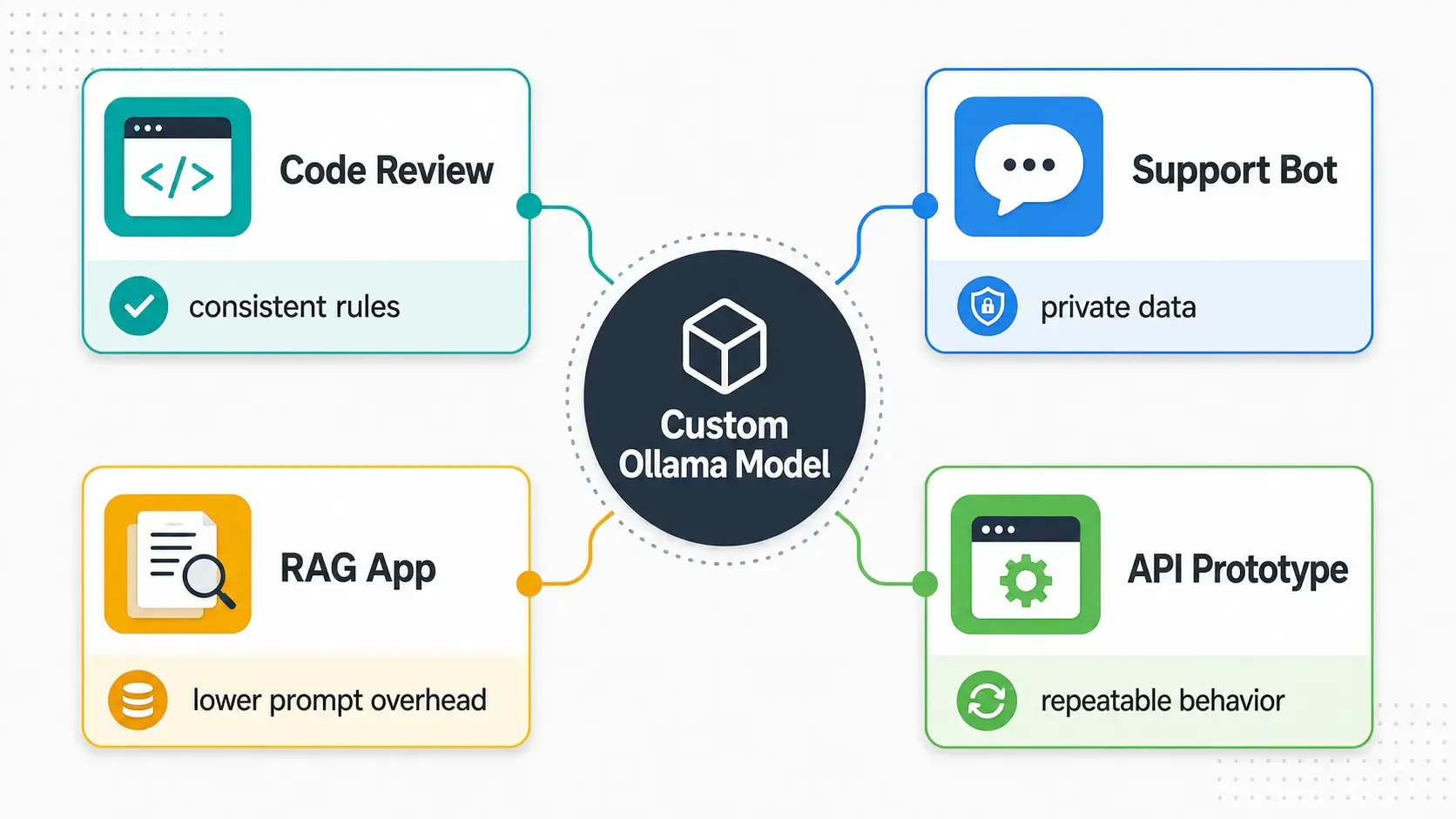
This is where Modelfiles become more than a fun local AI feature. They are useful when repeated AI behavior has business value:
| Workflow | Why a Modelfile helps | Related tooling |
|---|---|---|
| Internal code reviewer | Keeps review style, security checks, and tone consistent | GitHub, GitLab, SonarQube |
| Private support assistant | Bakes in support policy and escalation rules | Zendesk, Freshdesk, Intercom |
| Local RAG app | Pairs a stable assistant role with your private documents | Qdrant, Chroma, LangChain |
| Developer API prototype | Lets your app call a named model with predictable behavior | FastAPI, Node.js, Docker |
| Cost-control experiments | Tests whether local inference can replace some cloud API calls | OpenAI API pricing, AWS Bedrock, Google Vertex AI |
For high-volume internal tools, this matters because every repeated system prompt adds tokens, latency, and operational noise. A Modelfile will not magically make local AI free, but it can make your local LLM workflow easier to package, test, and compare against cloud APIs. 📈
Check exactly what's baked into a model:
ollama show code-reviewer --modelfile
Update it after editing your Modelfile — just re-run create with the same name:
ollama create code-reviewer -f ./Modelfile
Remove it when you no longer need it:
ollama rm code-reviewer
[!IMPORTANT] Removing a custom model only removes your customization layer — the base model (
llama3.2in this example) stays downloaded and untouched.
| Mistake | Fix |
|---|---|
Forgetting FROM | Every Modelfile needs a base model as the first line |
Multi-line SYSTEM without triple quotes | Wrap multi-line system prompts in """...""" |
Expecting PARAMETER changes to retrain the model | Parameters only change generation behavior, not knowledge |
Overriding TEMPLATE without checking the base model's expected format | Leave TEMPLATE untouched unless you have a specific reason |
| Using one model name for every experiment | Create separate names like support-bot-v1 and support-bot-strict so you can compare behavior |
| Treating local AI as automatically secure | If other machines can reach your Ollama server, add network controls, auth, or a reverse proxy |
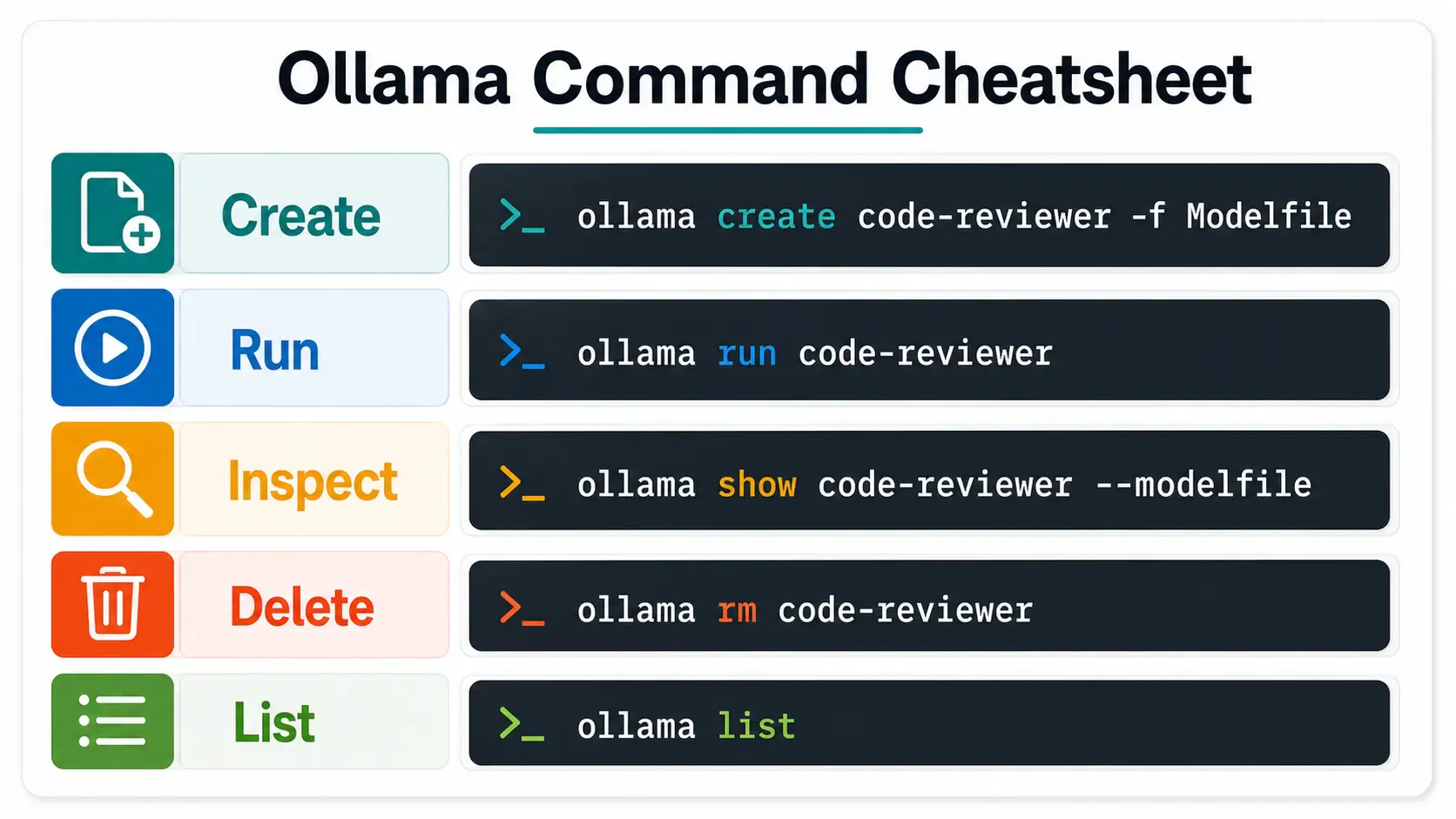
| Task | Command |
|---|---|
| Create a custom model | ollama create <name> -f ./Modelfile |
| Run your custom model | ollama run <name> |
| View baked-in Modelfile | ollama show <name> --modelfile |
| Delete a custom model | ollama rm <name> |
| List all models (base + custom) | ollama list |
Before you use a custom Ollama model in a real app, check these:
SYSTEM prompt is specific enough for the jobModelfileThe Modelfile is the fastest way to turn a generic base model into something that feels purpose-built for your team — a code reviewer, a support assistant, a SQL helper, or a private automation agent — all without touching a single training script. Start with FROM + SYSTEM, get that working, then layer in PARAMETER tuning once you know what behavior you want to adjust. 🚀
Next up in this series: connecting your custom model to a real RAG pipeline so it can answer questions using your own documents.
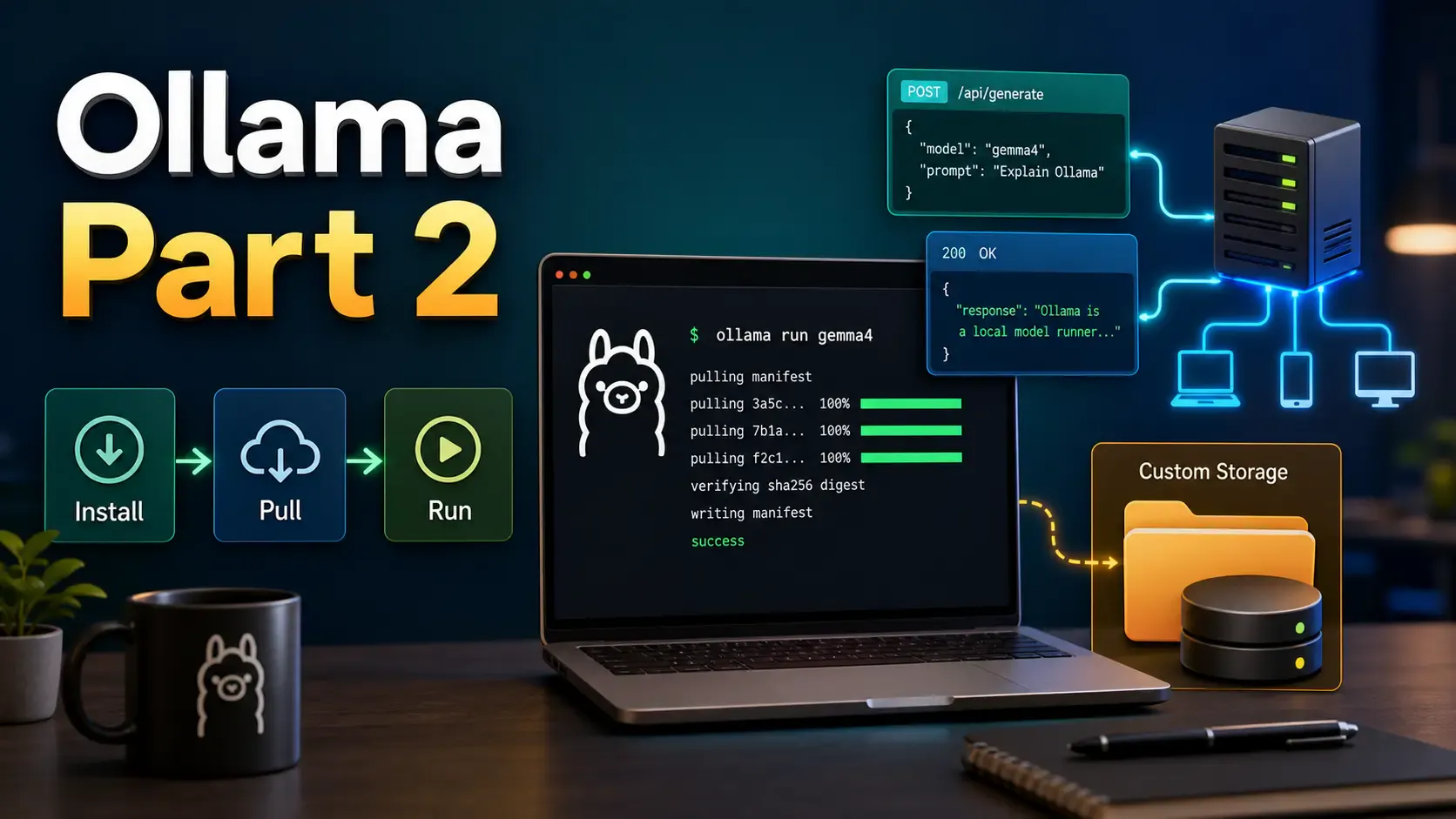
Learn how to install Ollama, run local models from CLI and UI, call the Ollama API, move model storage, and expose Ollama safely on a network.
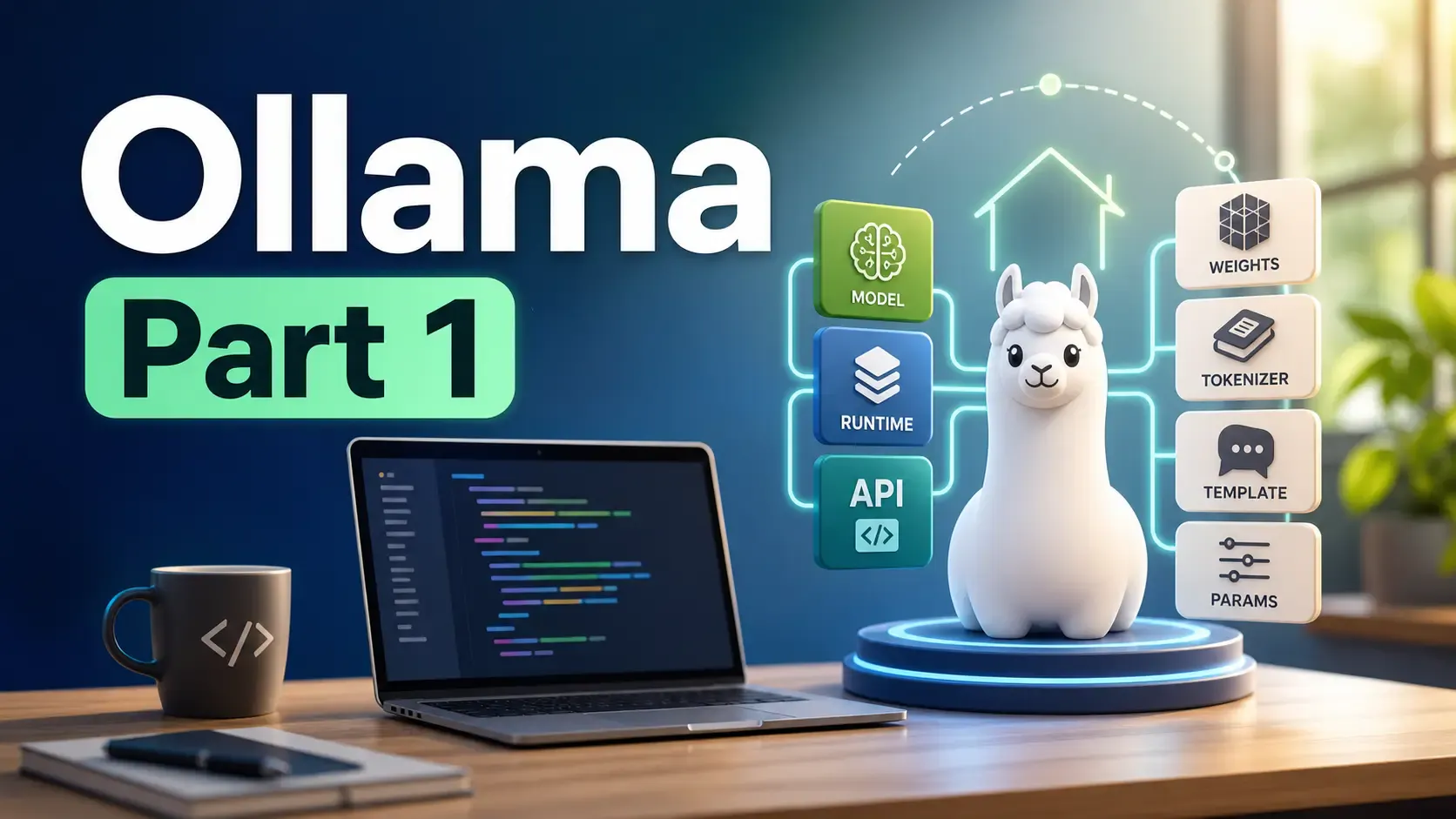
Learn what Ollama is, how it differs from Llama, how local AI models are packaged, and where Ollama fits in a developer workflow.
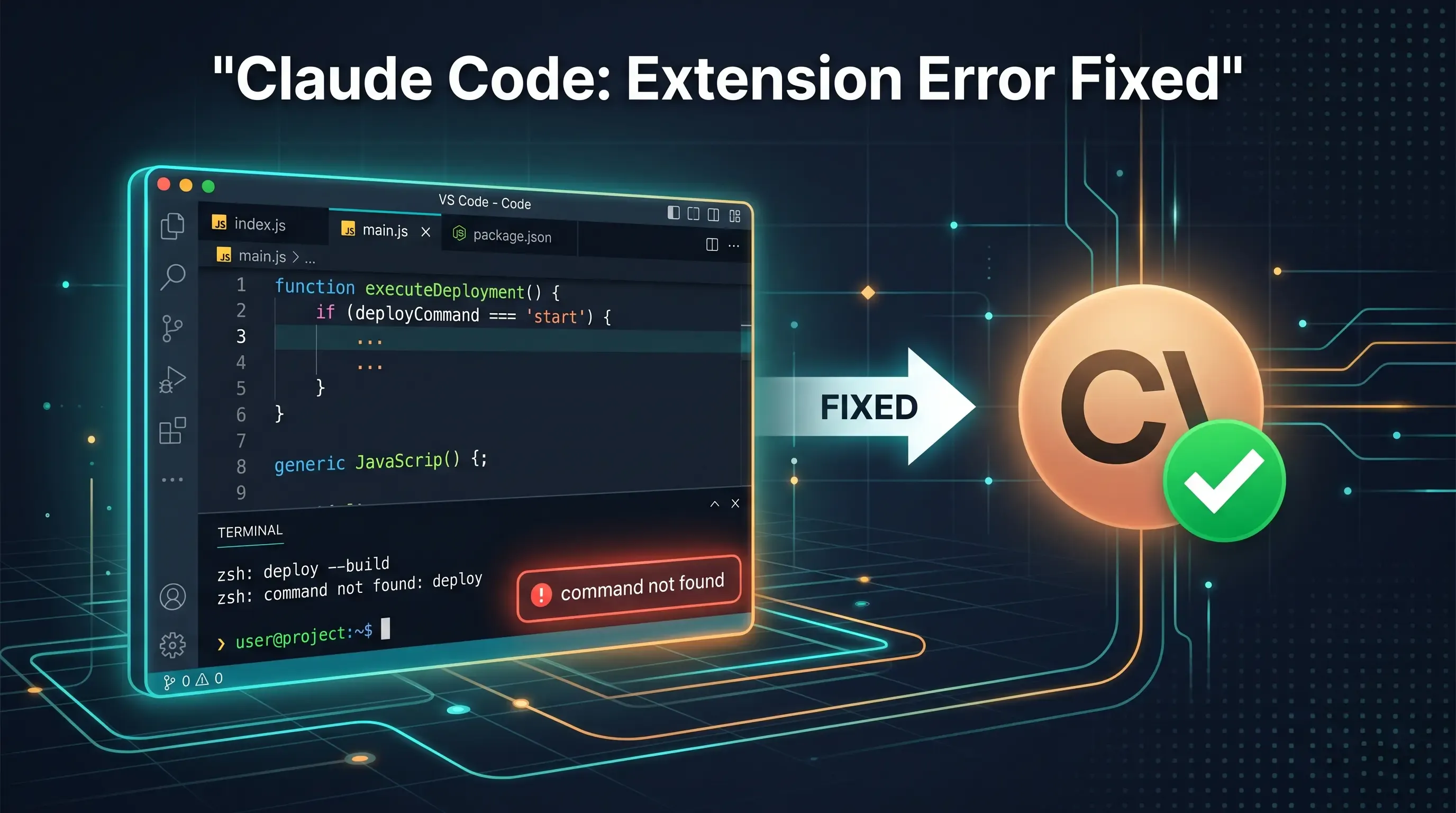
Getting the claude-vscode.editor.openLast not found error after updating Claude Code? This step-by-step guide shows you how to roll back to a stable version and get Claude working again in 5 minutes.