The Dark Side of Shopify: Cons, Restrictions & Hidden Costs Every Store Owner Must Know 🚨

⏱️ Time to Complete Reading: ~8 minutes
🎯 What You'll Learn:
Shopify is one of the most popular ecommerce platforms on the planet — and for good reason. It's fast to set up, visually polished, and lets non-developers launch an online store in a weekend. I personally love how smooth the onboarding process is. ❤️
But here's the thing: the moment you try to do anything beyond the basics, Shopify starts showing its teeth.
I hit this wall recently while trying to build a simple customer feedback form. I wanted to store form submissions directly in my store's backend — something any developer would consider a basic requirement. Shopify's answer? "Sure, but you'll need to pay for a third-party app." 😤 And when I tried to let users attach an image or video to their feedback? Flat-out impossible without another paid plugin.
That experience made me realize: Shopify is brilliant at making the simple things easy — but it actively fights you on everything else.
This post is for every developer, store owner, and entrepreneur who has felt that frustration. Let's break down every significant con and shortcoming of Shopify as a framework.
This is the one that pushed me to write this post.
If you build a custom form on Shopify — a feedback form, a warranty registration form, a custom order form — Shopify has no built-in way to save that data. There's no native database you can write to, no admin dashboard to view submissions, nothing.
Your options?
For something as foundational as form storage, this is a glaring gap.
💡 Related on sabbirz.com: Building Custom Forms Without a Backend →
This one still stings. If your form needs users to attach a photo, video, document, or any file, Shopify simply does not support it natively in its form framework.
Platforms like WordPress with WPForms or even a basic Next.js app with Cloudinary handle this out of the box. Shopify? You're back to the App Store, searching for a solution that costs money every month.
This is a major pain point for:
Shopify's App Store has over 8,000 apps — which sounds great until you realize that's their business model working against you.
Core functionality that should be built-in requires paid apps:
| Feature | What You'd Expect | What Shopify Does |
|---|---|---|
| Form data storage | Native CMS/DB | Requires paid app |
| File uploads in forms | Basic HTML input | Requires paid app |
| Advanced product filtering | Standard feature | Requires paid app |
| Subscription/recurring billing | Common need | Requires paid app |
| Loyalty & rewards program | Standard retail feature | Requires paid app |
| Wishlists | Basic UX feature | Requires paid app |
A store with even modest customization needs can easily accumulate $200–$500/month in app subscriptions. That's on top of Shopify's own plan fees ($39–$399/month for standard plans).
💡 Compare platforms: Shopify vs WooCommerce vs Custom Next.js: Which Should You Choose? →
Shopify uses its own proprietary templating language called Liquid, originally built by Basecamp's founder. It's readable and logical, but it comes with significant limitations:
If you're a developer used to working with React, Vue, or even plain HTML/JS, Liquid will feel like working with one hand tied behind your back.
Shopify's theme editor (especially the newer Online Store 2.0 with sections and blocks) is genuinely impressive for beginners. But power users will hit walls fast:
If your brand vision requires a truly unique layout, you'll either compromise your design or spend thousands on custom theme development.
This is a technical limitation many store owners discover too late:
For fashion, custom merchandise, or configurable products, these limits can be genuinely business-breaking. Solutions like Infinite Options by ShopPad exist — but yes, they're paid apps.
SEO is critical for ecommerce, and Shopify's rigid URL structure can hurt you:
/blogs/[blog-name]/[post-handle] — you can't change this/products/[handle] — no custom paths/collections/[handle]If you're migrating from another platform with established URLs and backlinks, this rigidity forces redirects — and redirect chains hurt performance and SEO rankings.
Platforms like WordPress or a custom Next.js site give you full control over your URL architecture.
💡 Learn more on sabbirz.com: How URL Structure Affects Your SEO Rankings →
Headless commerce (using Shopify as a backend while building your frontend with React/Next.js) is the modern answer to many of Shopify's frontend limitations. It unlocks:
But it comes with serious trade-offs:
For most small store owners, headless Shopify is overkill. But for serious businesses, it's the only real escape from Liquid's limitations.
Shopify's built-in analytics are decent — but the good reports are locked behind higher-tier plans:
Want to understand customer lifetime value, cohort analysis, or detailed product performance? You'll need the Advanced plan or a third-party tool like Triple Whale or Glew — both of which cost hundreds per month.
Until recently, Shopify's checkout was essentially untouchable. While Checkout Extensibility has improved things, there are still major limitations:
For standard plans, you're essentially renting Shopify's checkout experience — not owning it.
This is the silent killer. When you build on Shopify:
If you ever want to migrate to WooCommerce, BigCommerce, or a custom platform, expect it to be a significant project — not a simple export.
💡 sabbirz.com: How to Migrate from Shopify Without Losing Data or SEO Rankings →
International selling is a huge opportunity — but Shopify requires you to use Shopify Payments to enable automatic currency conversion at checkout. If you're in a country where Shopify Payments isn't available (including Bangladesh, Pakistan, and many others), you're stuck with a workaround or a third-party solution.
This is a significant disadvantage for entrepreneurs in emerging markets who want to sell globally.
Despite all of the above, Shopify's popularity is 100% earned in certain areas:
| Platform | Best For | Freedom Level |
|---|---|---|
| WooCommerce | WordPress users, budget-conscious | ⭐⭐⭐⭐⭐ |
| Next.js Commerce | Developers who want full control | ⭐⭐⭐⭐⭐ |
| BigCommerce | Enterprise, no transaction fees | ⭐⭐⭐⭐ |
| Medusa.js | Open-source Shopify alternative | ⭐⭐⭐⭐⭐ |
| Swell | Headless, API-first commerce | ⭐⭐⭐⭐ |
| Webflow + Foxy | Design-first brands | ⭐⭐⭐ |
Shopify is a fantastic starting point — and it will remain the right choice for thousands of stores that need simplicity and reliability above all else. But as a framework, it makes a clear trade: your flexibility for their convenience.
The moment your requirements go beyond a standard product catalog — custom forms, file uploads, unique checkout flows, full data ownership — you'll either open your wallet for apps, or open a code editor for workarounds.
For developers and ambitious store owners, the most future-proof approach is often to use headless Shopify or explore open-source alternatives like Medusa.js that give you the full backend capabilities of modern commerce without the golden handcuffs.
Found this useful? Share it with a fellow developer or store owner who's on the fence about Shopify. And if you've run into your own Shopify limitation horror stories, drop a comment below — I'd love to hear them! 👇
💡 Also on sabbirz.com:
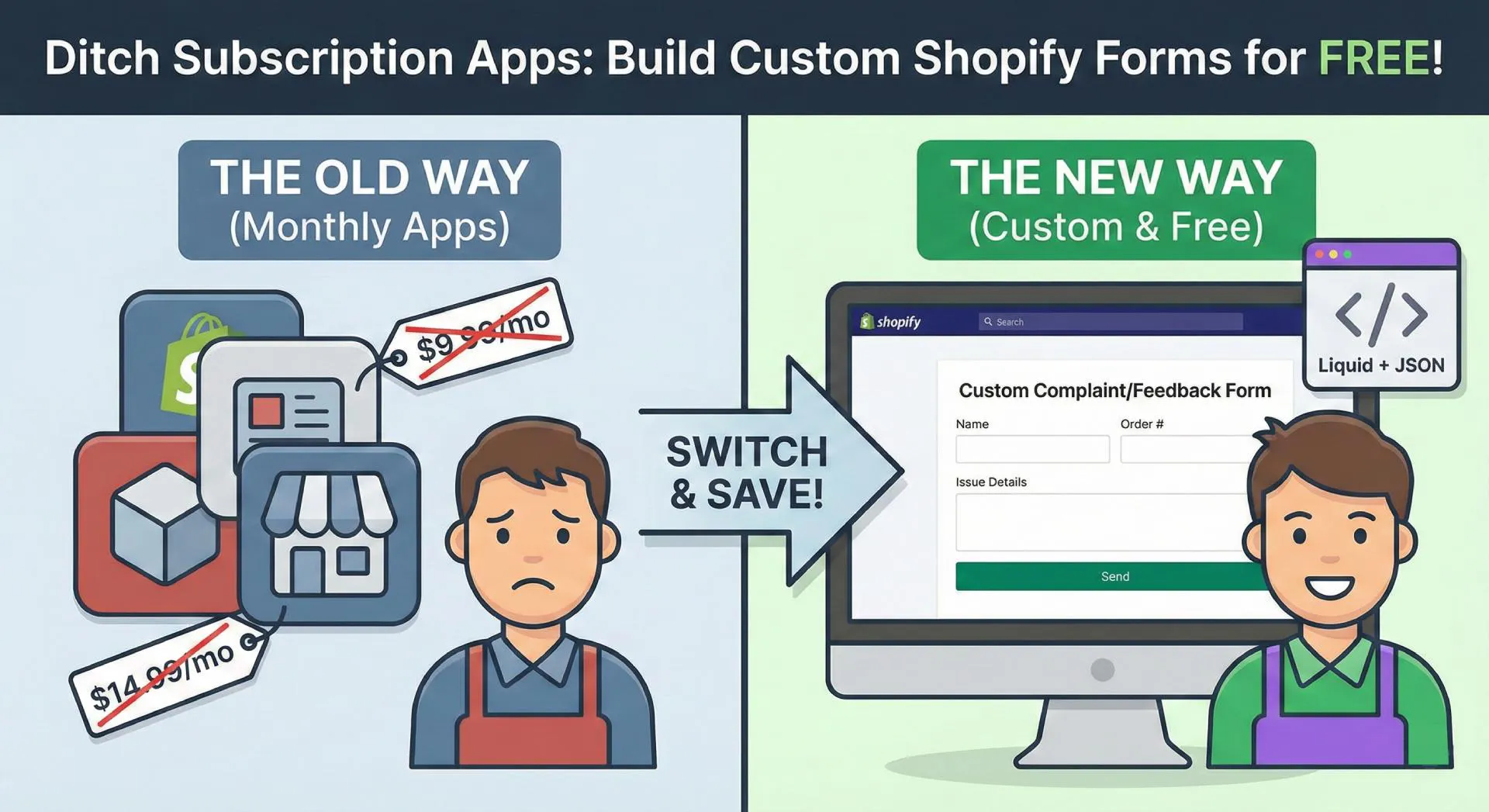
Learn how to build a custom complaint or feedback form in Shopify Online Store 2.0 using Liquid and JSON templates. No monthly app fees required
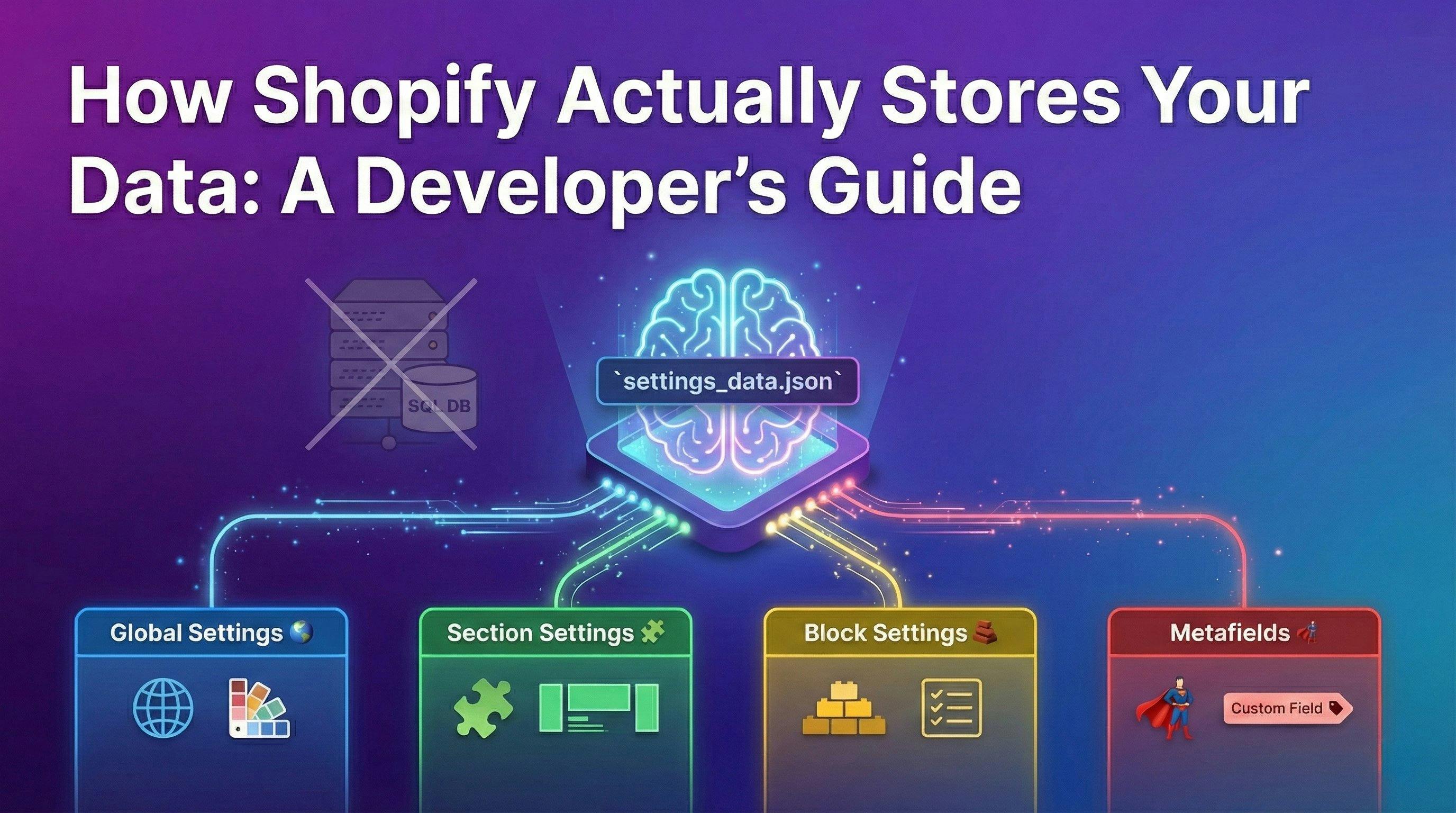
Confused by Shopify's lack of a database? 🤯 Learn how Shopify stores your theme data, from simple Settings to complex Metafields. Perfect for devs moving from WP/Laravel.
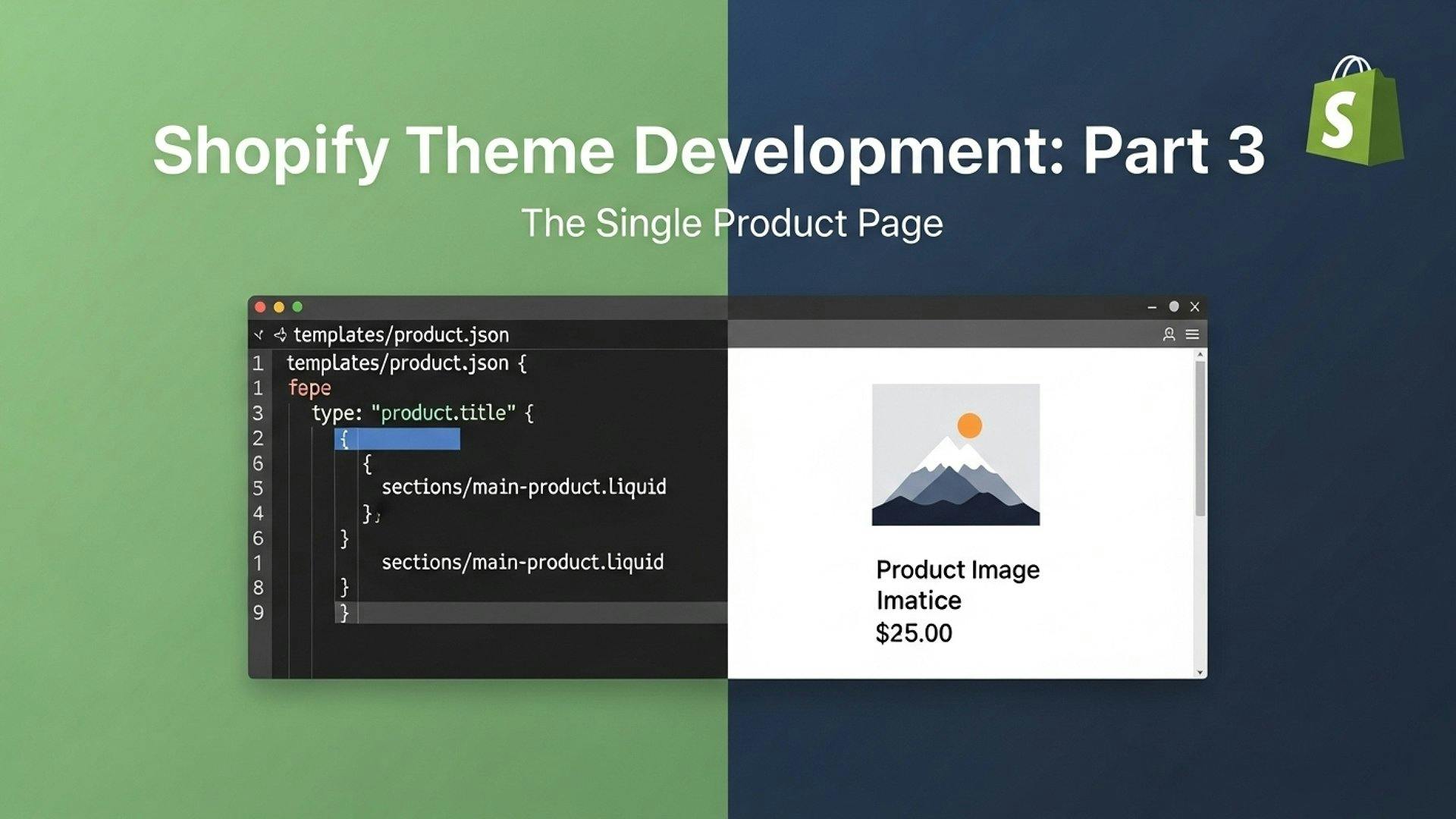
Learn the minimum requirements for a Shopify single product page. This guide covers the OS 2.0 product.json template, sections, and URL structures