Your AI Can Now Talk Directly to Your Database — No SQL Required! 🤖
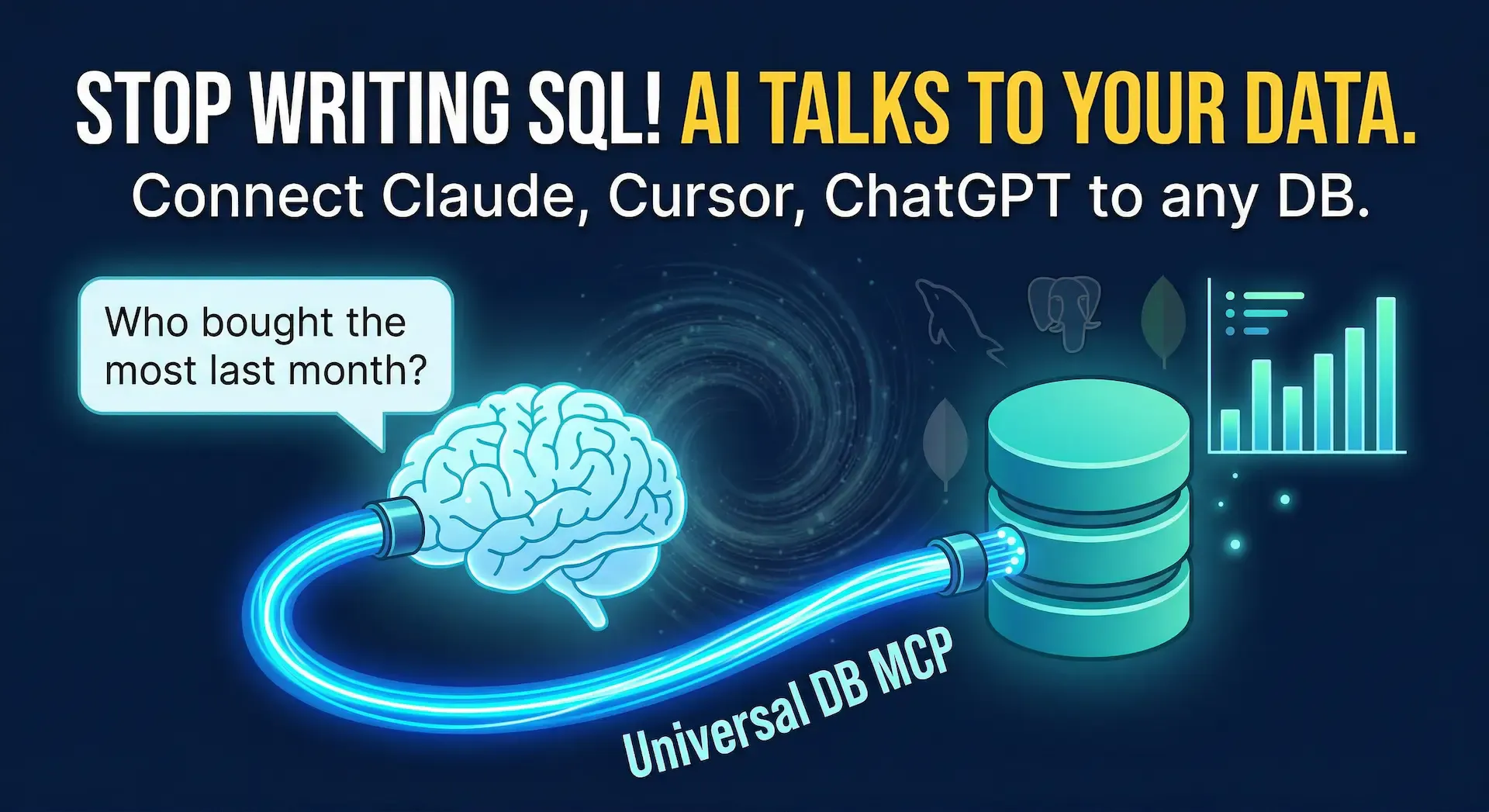
You've got data sitting in 🐬 MySQL, 🐘 PostgreSQL, or 🍃 MongoDB. Your AI assistant is sitting right next to it. And yet — there's no logical bridge between them. Until now. 🌉
⏱️ Time to Complete: 15–20 minutes (setup + first query) 🎯 What You'll Learn:
🛠️ Prerequisites: 🟩 Node.js v20+ installed, a running database (MySQL, PostgreSQL, or any of the 17 supported), and basic comfort with a terminal. 👥 Best For: Backend developers tired of writing repetitive queries, data analysts who want faster insights, non-technical founders who need immediate data without a middle-man, and 3D pipeline engineers managing asset databases in tools like 🧊 Houdini or custom game DBs.
Universal DB MCP is an open-source connector that lets any AI assistant — Claude, 💬 ChatGPT, Cursor, 🌊 Windsurf, you name it — read and query your database using plain conversational English. It implements the Model Context Protocol (MCP) — think of MCP like a universal USB-C standard, but for securely connecting AI tools to external software — so your AI doesn't just know about databases in theory, it can actually reach into yours and pull real answers! 🤯
👎 Before Universal DB MCP: A non-technical founder wants to know which customers churned last month. They Slack a developer. The developer stops what they're doing, opens 🗄️ TablePlus or another DB GUI, writes a SQL query, exports a CSV, and sends it back. Total time lost: 30–45 minutes. Multiplied by every data question, every single week. 📉
👍 After Universal DB MCP: The founder opens Claude Desktop and types: "Show me customers who haven't ordered in the last 30 days." Claude queries the database directly and returns a clean, readable result in seconds. The developer never got pinged, and the founder gets the answer instantly. 🏎️💨
For engineers, it's equally superpowered — you're mid-debug, you want to check production data states without switching context to a DB GUI. You just ask! 🗣️
🧑💻 Backend developers — check live data states mid-development without leaving your AI coding environment like Cursor or 💻 VS Code.
📊 Data analysts — skip the query-writing phase entirely! Describe what you want to see, get it instantly, and iterate in plain English.
🚀 Non-technical founders — stop depending on engineers for basic data questions. Your AI becomes your personal data analyst.
🎮 3D pipeline engineers & game developers — if you're managing asset registries, render farm job states, or custom game databases, you can now query them conversationally inside your existing AI tools.
🗄️ Connects to 17 databases out of the box MySQL, PostgreSQL, MongoDB, Redis, Oracle, SQL Server, SQLite — plus 10 Chinese domestic databases including Dameng, OceanBase, and TiDB. If your team runs it, it's probably supported. ✅
🤖 Works with 55+ AI platforms Claude Desktop, Cursor, Windsurf, VS Code, ChatGPT, Dify, n8n — the list goes on. If your AI tool supports MCP or REST, it just works. 🔗
🔒 You literally cannot accidentally destroy your production data Read-only mode is on by default. Even if your AI hallucinates a destructive query, it gets safely blocked. You have to explicitly choose to enable writes — it's never on by surprise. 🛡️
⚡ Up to 100x faster schema retrieval on large databases Without this tool, fetching a schema for a 500-table database could take ~50 seconds. With intelligent batch caching, it drops to ~500ms. That's not a typo — literally 100x. 🚀
🕵️ Automatic sensitive data masking Phone numbers, emails, ID cards, bank card numbers — they get masked automatically before the AI ever sees them. Compliance-friendly naturally! 🤐
🏗️ Two startup modes, four access methods Run it locally via stdio (perfect for Claude Desktop and Cursor), or spin it up as an HTTP server for remote access, Dify integration, or REST API usage. Flexible enough for solo devs and massive enterprise teams. 🏢
That last point matters a lot for teams — let's look at how to get it running.
We'll connect Claude Desktop to a MySQL database as the example. The exact same pattern applies to every other AI tool and database. 🛠️
npm install -g universal-db-mcp
This installs the connector system-wide so any tool on your machine can use it. You only have to do this once.
⚠️ Common Mistake: Running this with an older Node version. You absolutely need Node.js v20 or higher. Check your version with node --version before installing!
🍎 macOS:
~/Library/Application Support/Claude/claude_desktop_config.json
🪟 Windows:
%APPDATA%\Claude\claude_desktop_config.json
This is the file that tells Claude Desktop which external tools it has access to. Think of it as Claude's list of approved plugins. 🧩
💡 Pro Tip: If the file doesn't exist yet, simply create it. Claude Desktop will pick it up on the next restart.
Open the config file and carefully add this JSON configuration:
{
  "mcpServers": {
    "my-database": {
      "command": "npx",
      "args": [
        "universal-db-mcp",
        "--type", "mysql",
        "--host", "localhost",
        "--port", "3306",
        "--user", "your_db_user",
        "--password", "your_db_password",
        "--database", "your_database_name"
      ]
    }
  }
}
This registers your database as a named MCP server called my-database. Claude Desktop will launch the connector automatically when it starts up. 🪄
⚠️ Common Mistake: Using your root database user here. Always create a dedicated read-only database user for this connection. Your production root credentials should never live in a config file! 🙅♂️
Close it completely and reopen. No need to reinstall anything — Claude reads the config fresh on every single launch.
This is the critical step people skip and then wonder why nothing changed. 😅
In Claude Desktop, simply type:
What tables are in my database?
✅ You're all set if: Claude responds with an actual list of your table names. If you see it, the connection is live and working perfectly! 🎉
Here's exactly what a real interaction looks like once you're fully connected:
💬 You type: "Show me the top 5 products by total sales this month, and tell me which ones are down compared to last month"
🤖 Claude queries your database and returns:
Top 5 Products — March 2026
┌─────────────────────┬──────────┬────────────┐
│ Product             │ Revenue  │ vs Feb     │
├─────────────────────┼──────────┼────────────┤
│ Pro Subscription    │ $12,450  │ ▲ +8.2%    │
│ Starter Pack        │ $8,200   │ ▼ -3.1%    │
│ Enterprise License  │ $7,800   │ ▲ +22.4%   │
│ Add-on Module A     │ $3,100   │ ▼ -11.8%   │
│ Consulting Hours    │ $2,950   │ ▲ +1.2%    │
└─────────────────────┴──────────┴────────────┘
Starter Pack and Add-on Module A are showing month-over-month decline.
Want me to dig into the customer segments driving those drops?
No SQL written. No BI tool opened. No developer pinged. Just a simple question and a crystal-clear answer. 🎯
tbl_x_v2_final), the AI may misinterpret the underlying structure. Good table naming and comments in your DB still help a lot!Universal DB MCP is one of those incredible tools that sounds incredibly niche until you use it exactly once — and then you genuinely can't imagine working without it. For any developer or analyst who regularly needs to check, query, or explore database data, this completely eliminates an entire category of friction. 💥
The read-only default, the 55+ platform support, and the 100x schema caching performance put it well above similar tools in the space.
👉 Star the repo, set it up this afternoon, and send this to the one teammate who writes SQL for absolutely everyone else on Slack.
🔗 Anarkh-Lee/universal-db-mcp on GitHub
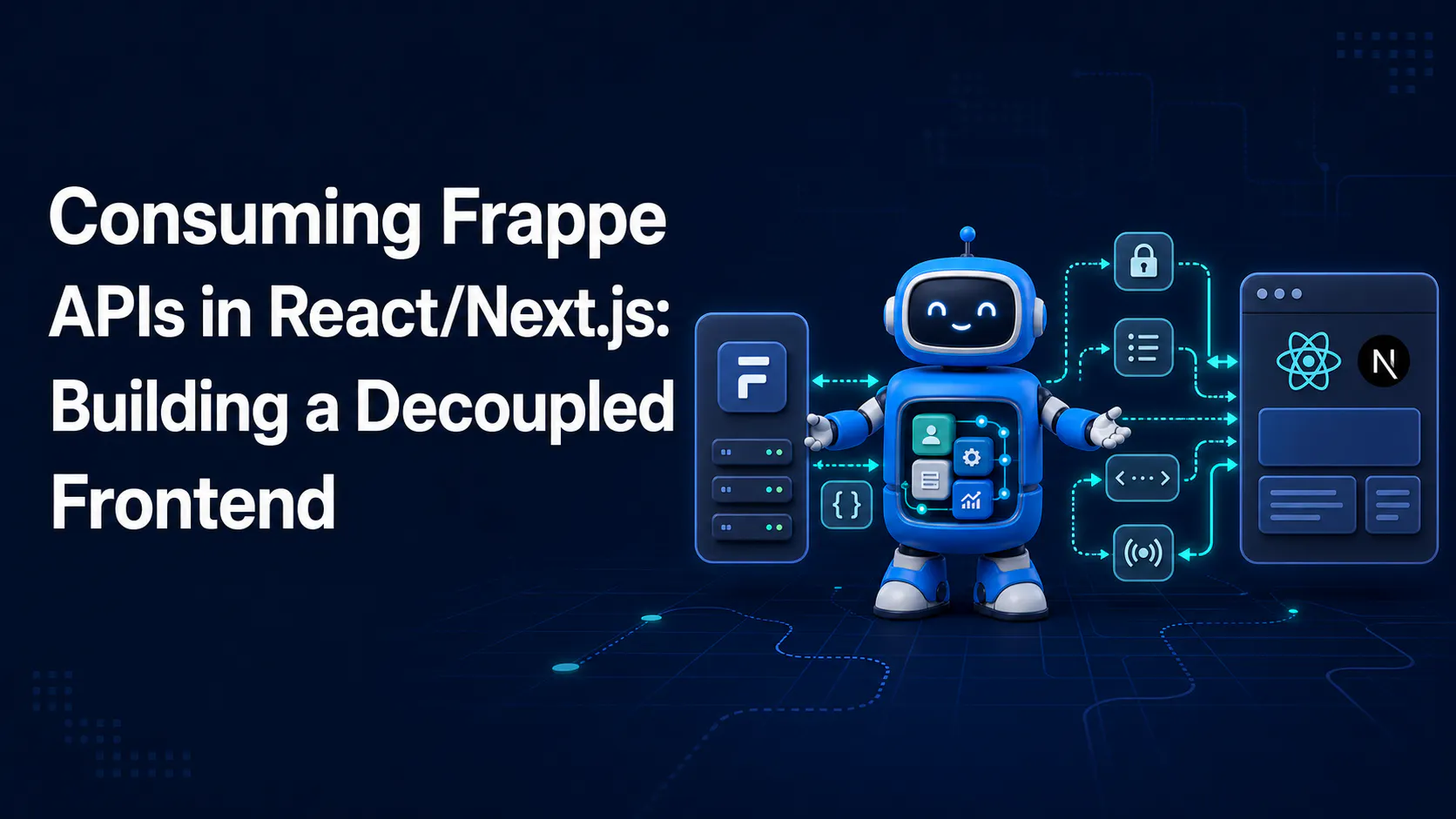
A step-by-step guide to calling Frappe's REST API from React/Next.js, handling session and API-key auth correctly, and wiring up live updates with Socket.IO
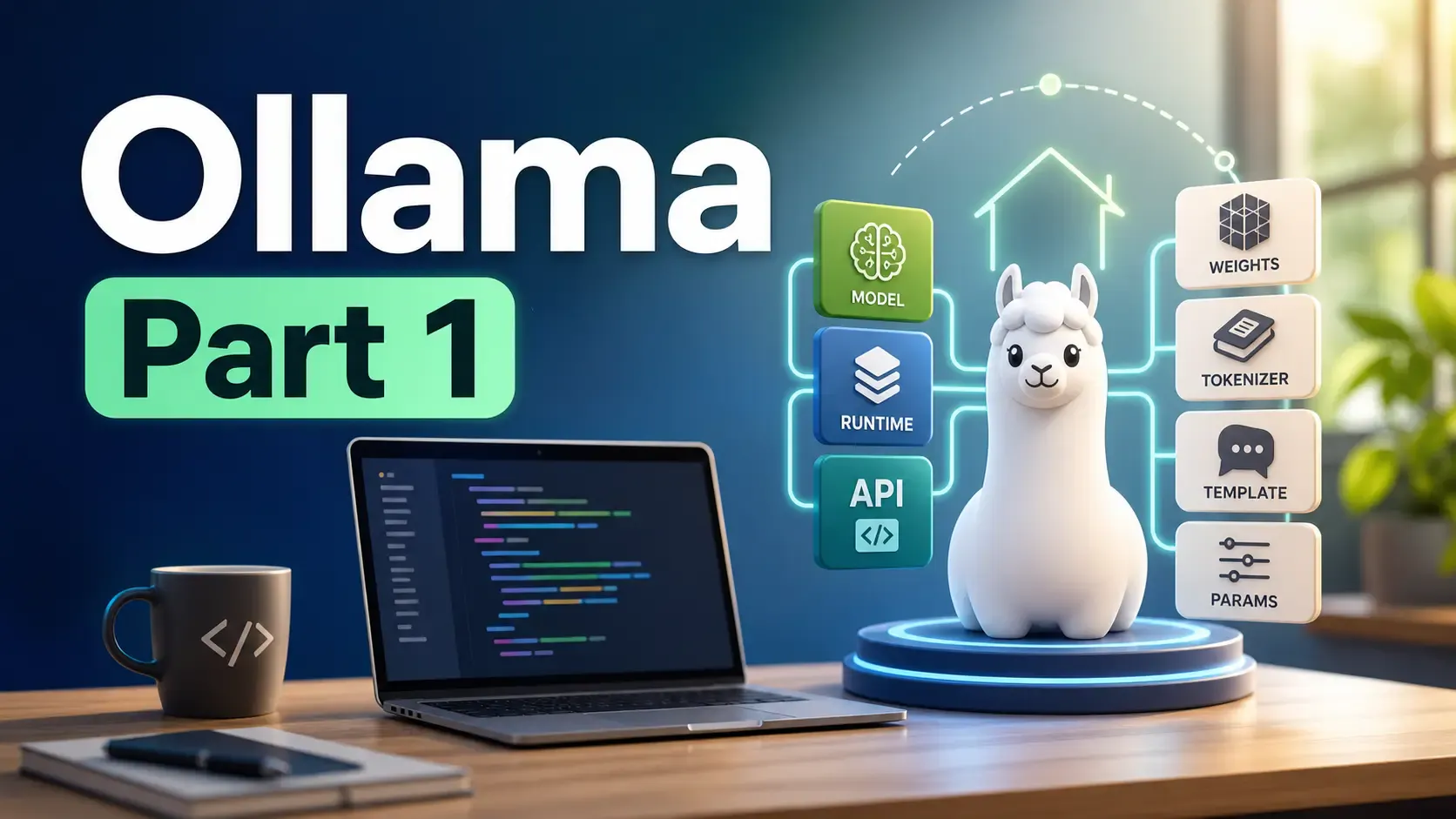
Learn what Ollama is, how it differs from Llama, how local AI models are packaged, and where Ollama fits in a developer workflow.
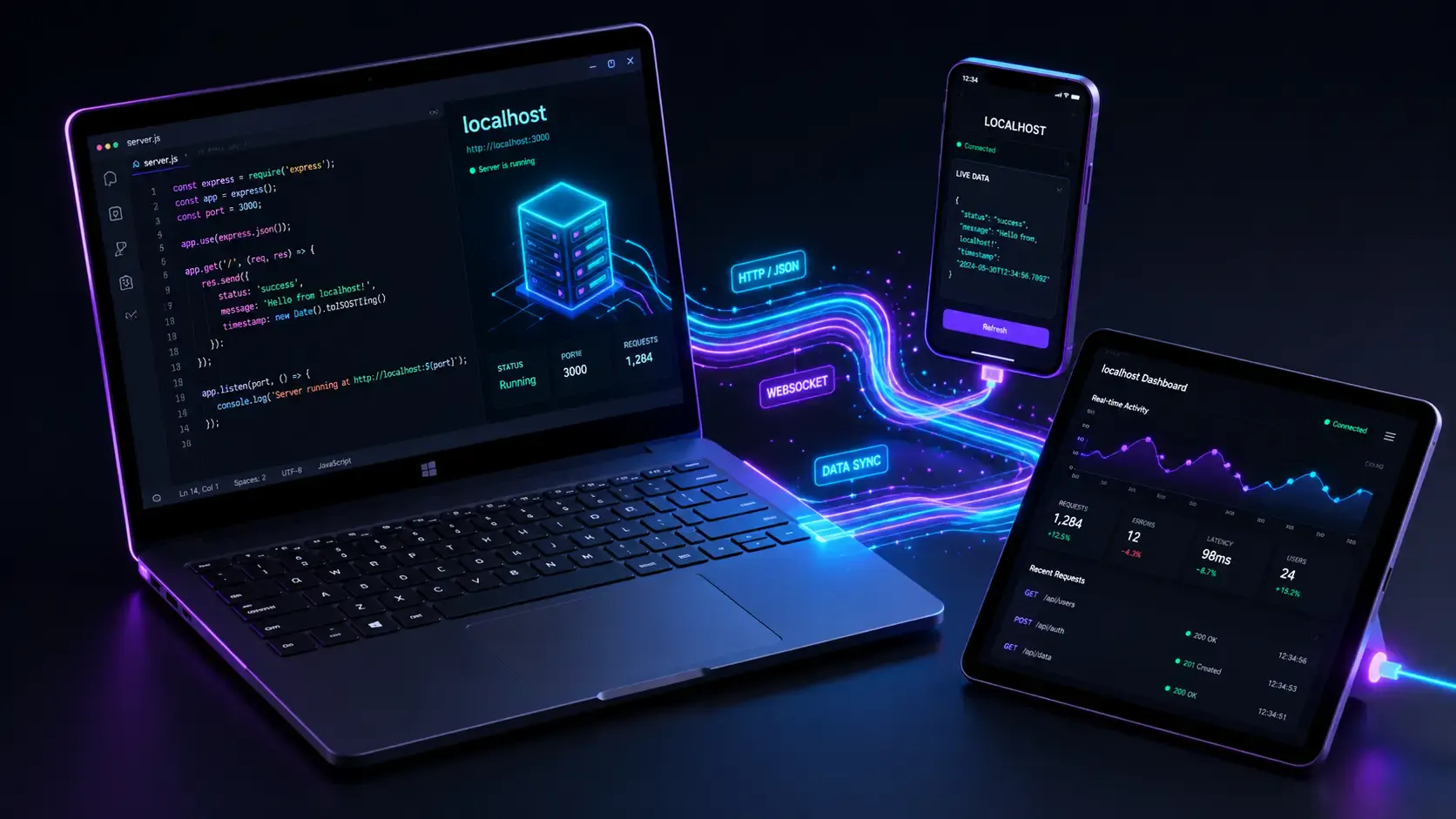
Learn how to quickly expose a localhost server to your local network on Windows using netsh portproxy. A step-by-step guide to accessing local apps from any device.