Ollama vs OpenAI API: Cost, Privacy, and Performance Compared
If you've been building with the OpenAI API and you're watching your monthly bill creep up, you've probably wondered: "Could I just run this on Ollama instead?"
The honest answer is: it depends on your traffic, your hardware, and how much you care about privacy. This guide gives you real numbers instead of vague advice, so you can make the call for your own project.
Around 10 minutes to read, plus 15 minutes if you follow the hands-on cost calculation for your own use case.
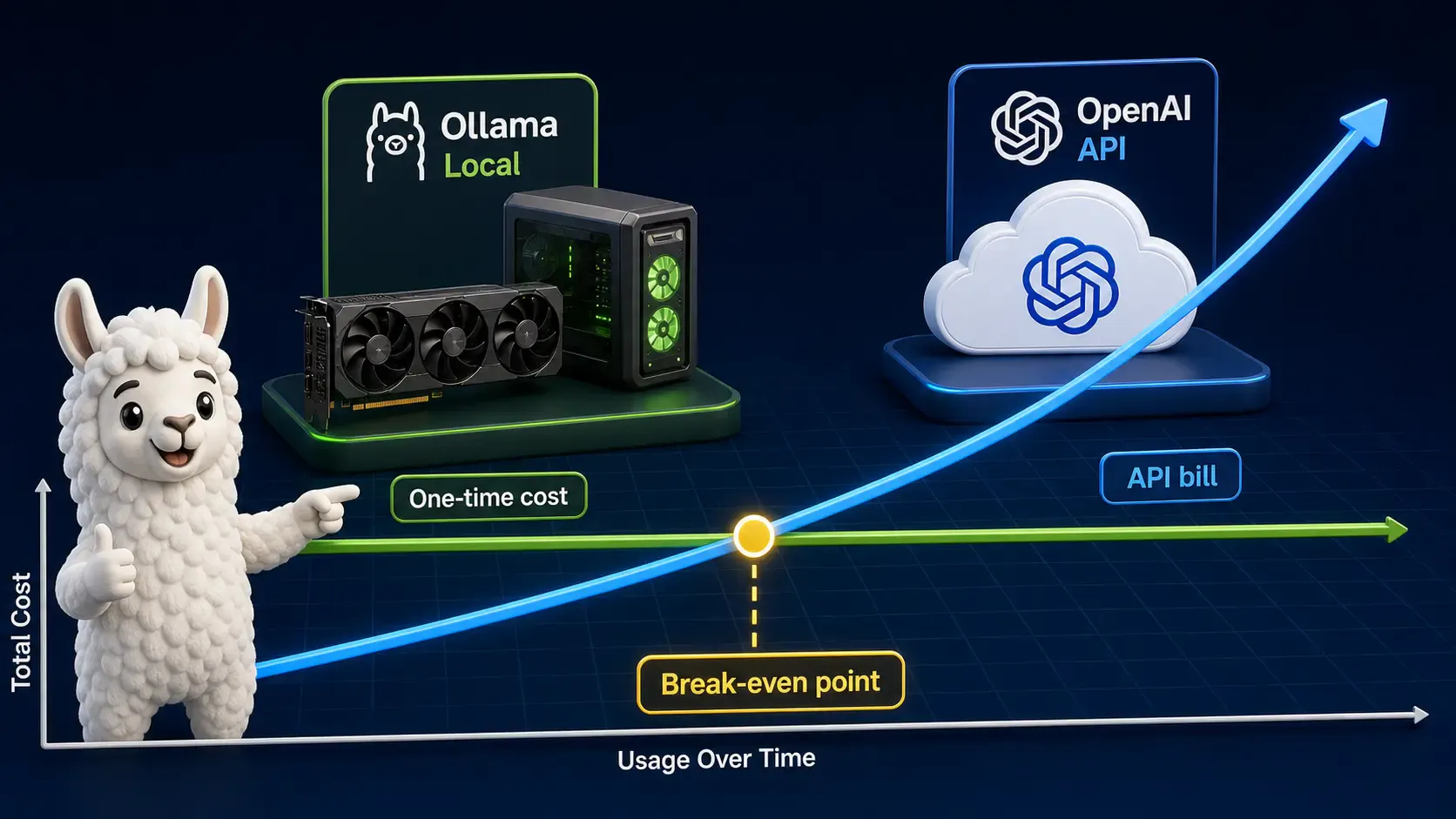
OpenAI charges per token, every single request, forever. Ollama runs on hardware you already own (or rent once), and after that, every request is free in terms of API cost.
| Model tier | Input ($/1M tokens) | Output ($/1M tokens) |
|---|---|---|
| Small/fast model | ~$0.15 – $0.40 | ~$0.60 – $1.60 |
| Mid-size model | ~$2.50 – $5.00 | ~$10.00 – $15.00 |
| Flagship model | ~$15.00+ | ~$60.00+ |
[!NOTE] Always check OpenAI's official pricing page for current numbers — these change often.
Ollama itself is free and open source. Your real costs are:
Here's the simple formula:
Break-even (months) = Hardware Cost / Monthly OpenAI Spend
Example: If you spend $150/month on the OpenAI API today, and a capable GPU setup costs $1,500, you break even in 10 months. After that, every month is pure savings.
[!TIP] If your usage is spiky or unpredictable (a few requests a day), the OpenAI API is almost always cheaper — you're not paying for idle hardware. If your usage is heavy and constant (internal tools, batch processing, high-volume chat), local Ollama wins fast.
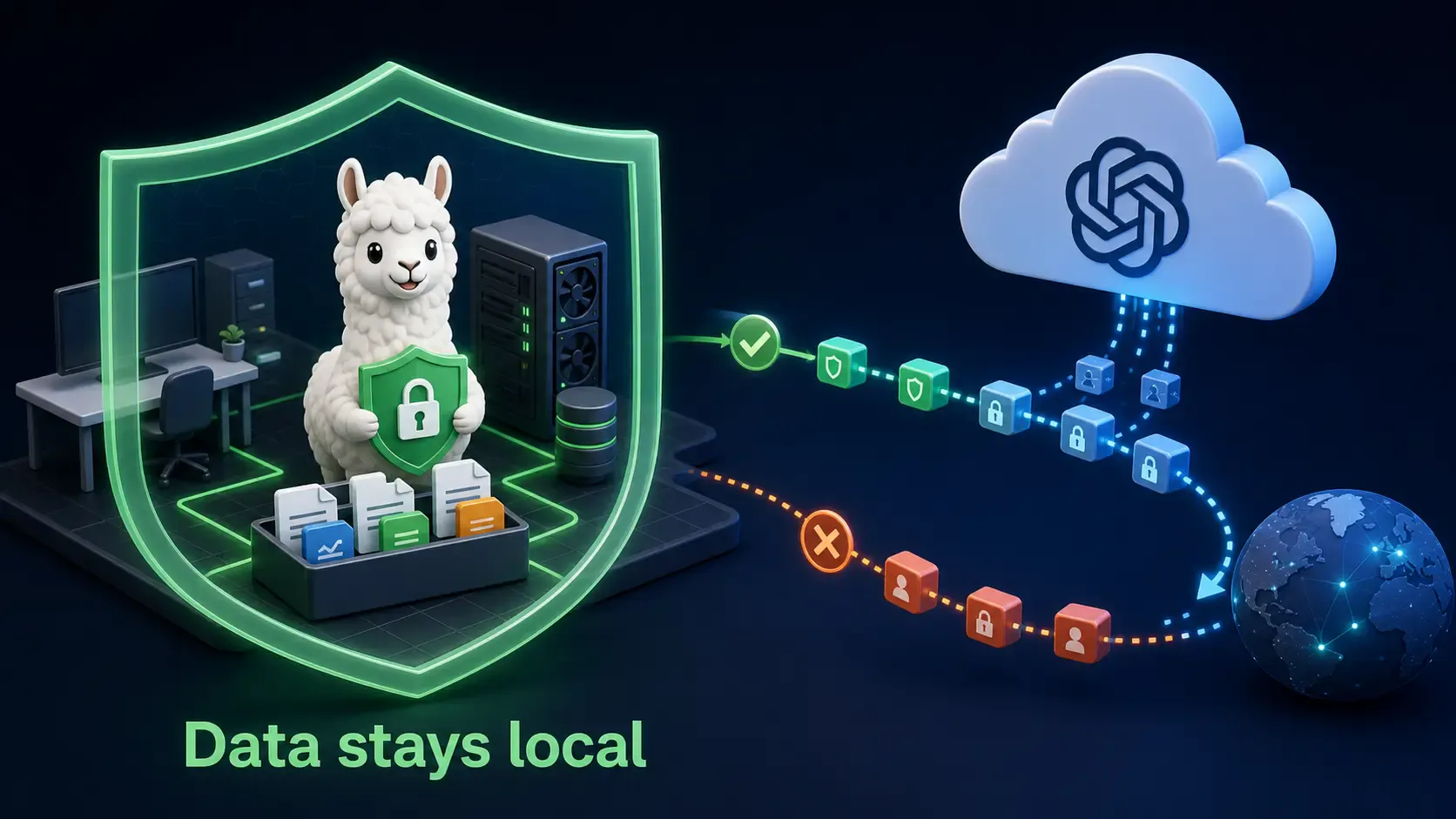
This is the part cost calculators don't show you.
| OpenAI API | Ollama (local) | |
|---|---|---|
| Data leaves your network | ✅ Yes, sent to OpenAI servers | ❌ No, stays on your machine |
| Subject to third-party data policies | ✅ Yes | ❌ No |
| Suitable for regulated data (health, legal, finance) | ⚠️ Depends on your enterprise agreement | ✅ Yes, by default |
| Audit trail you fully control | ❌ Limited | ✅ Full control |
If you're handling customer PII, medical records, legal documents, or internal financial data, Ollama removes an entire category of risk — the data simply never leaves your infrastructure. This is often the deciding factor for healthcare, legal, and finance teams, regardless of cost.
[!IMPORTANT] "Local" only means private if you also lock down your network. Don't expose your Ollama API to the public internet without authentication — see the network setup guide for how to do this safely.
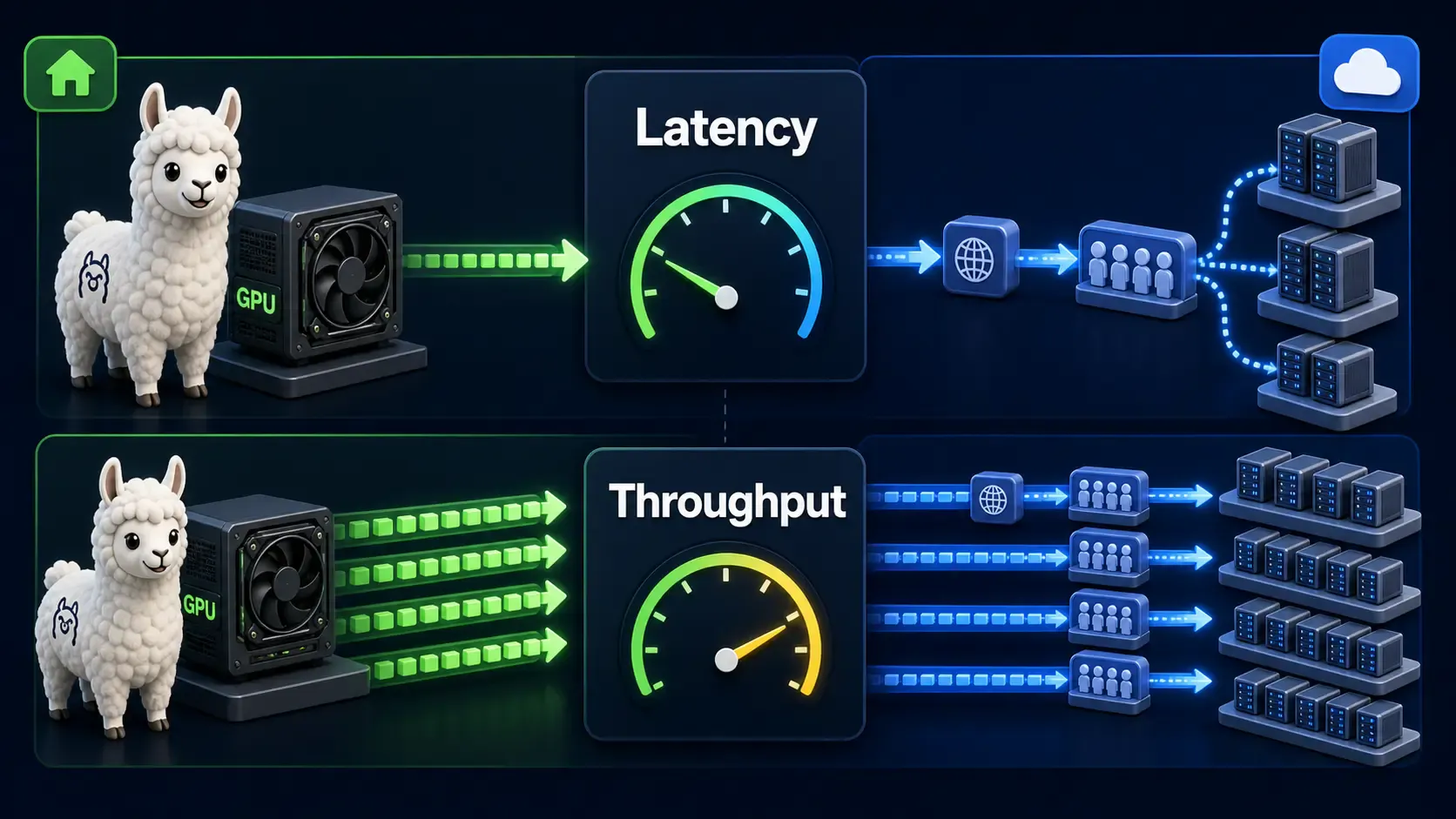
This is the real tradeoff. Flagship hosted models (GPT-4 class) generally out-reason the open models you can comfortably run on consumer hardware. Open models like Llama, Gemma, Qwen, and Mistral have closed the gap significantly for chat, summarization, and coding — but for the hardest reasoning tasks, hosted flagship models still tend to lead.
[!TIP] A common winning pattern: use Ollama for the bulk of requests (drafting, classification, internal tools, RAG retrieval) and fall back to the OpenAI API only for the hardest queries. This hybrid approach captures most of the cost savings while keeping top-tier quality where it matters.
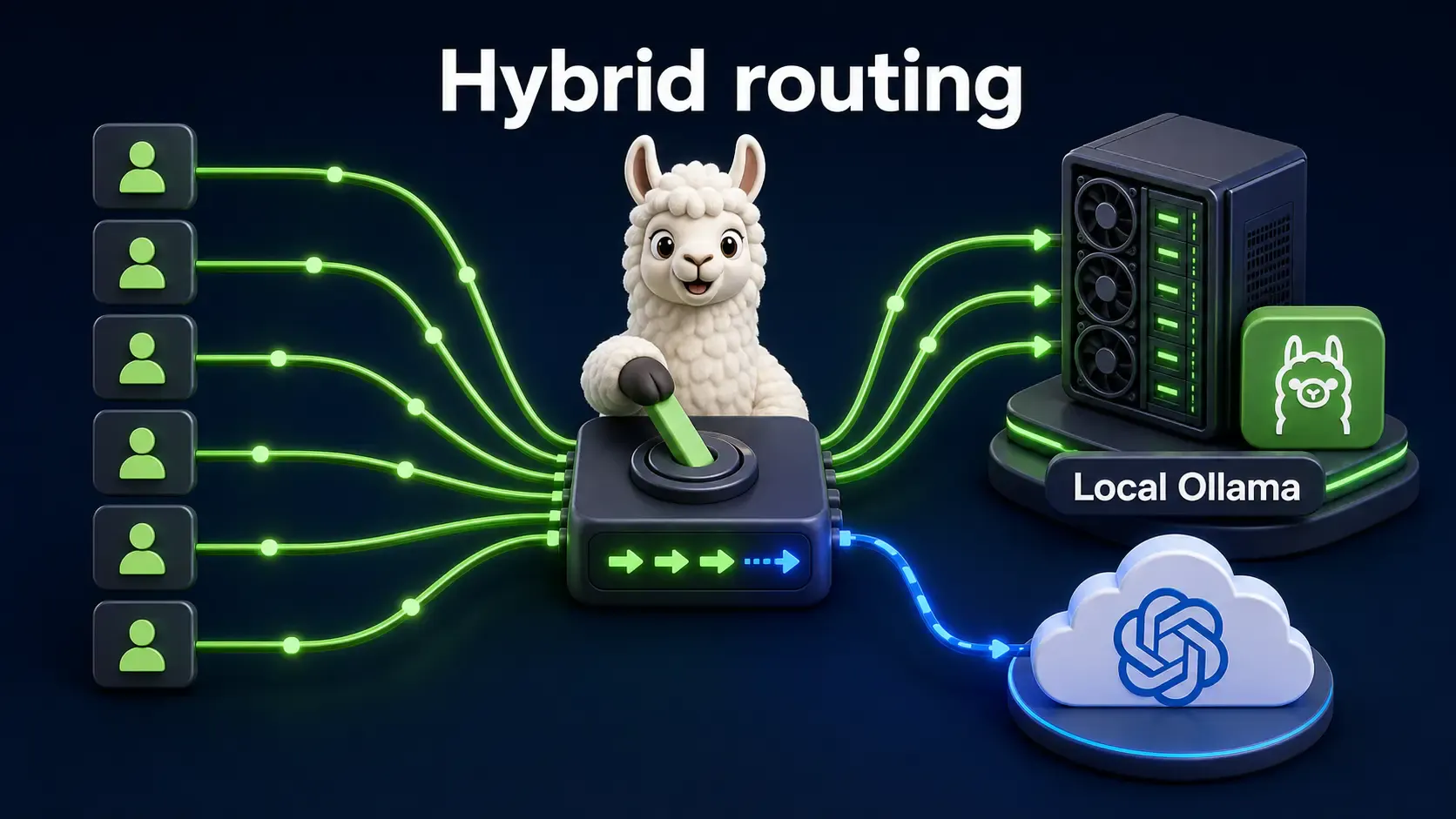
Use this quick checklist to decide:
| Choose OpenAI API if... | Choose Ollama if... |
|---|---|
| Your traffic is low or unpredictable | Your traffic is high and constant |
| You need the absolute best reasoning quality | "Good enough" open models meet your bar |
| You don't want to manage servers/GPUs | You're comfortable with basic devops |
| You don't handle sensitive data | You handle regulated or sensitive data |
| You need to scale instantly | You can predict and provision capacity |
If you want to see the difference firsthand, run the same prompt through both:
# Ollama (local)
ollama run llama3.2 "Summarize the plot of a heist movie in 3 sentences."
# OpenAI API (curl)
curl https://api.openai.com/v1/chat/completions \
  -H "Authorization: Bearer $OPENAI_API_KEY" \
  -H "Content-Type: application/json" \
  -d '{
    "model": "gpt-4o-mini",
    "messages": [{"role": "user", "content": "Summarize the plot of a heist movie in 3 sentences."}]
  }'
Time both calls, compare the answers, and you'll have real data instead of guesses — for your use case, on your hardware.
There's no universal winner. The OpenAI API buys you convenience and top-tier quality with zero infrastructure burden. Ollama buys you cost control and privacy once your usage is high enough to justify the hardware.
Most serious products end up hybrid: Ollama for volume, OpenAI for the hard 10%. Start by measuring your current OpenAI spend for one month — that single number tells you everything you need to know about your break-even point.
If you haven't set up Ollama yet, start here: Everything a Developer Should Know About Ollama — Part 1.
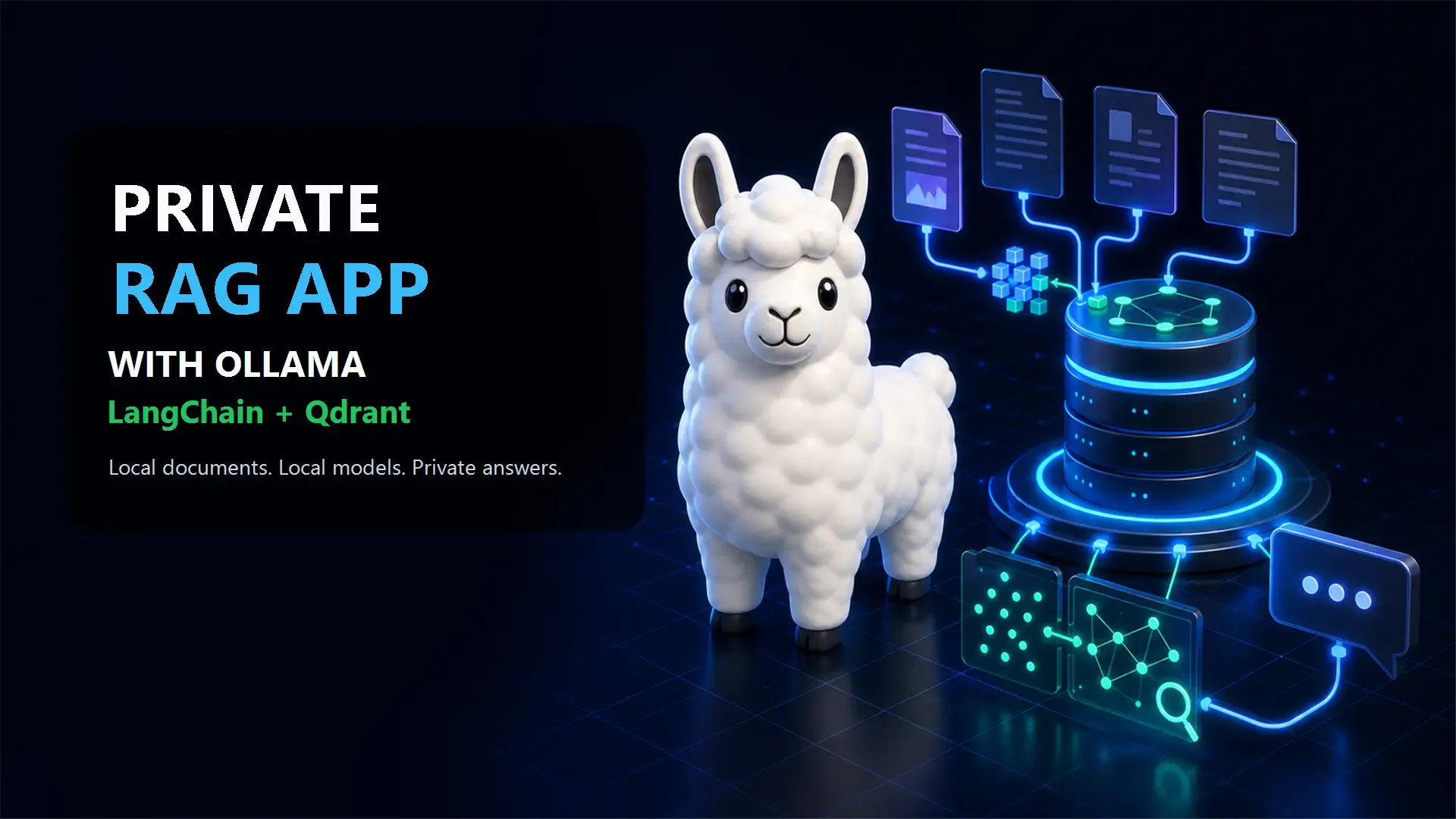
Build a private AI assistant for your own files using Ollama, LangChain, Qdrant, local embeddings, and retrieval-augmented generation.
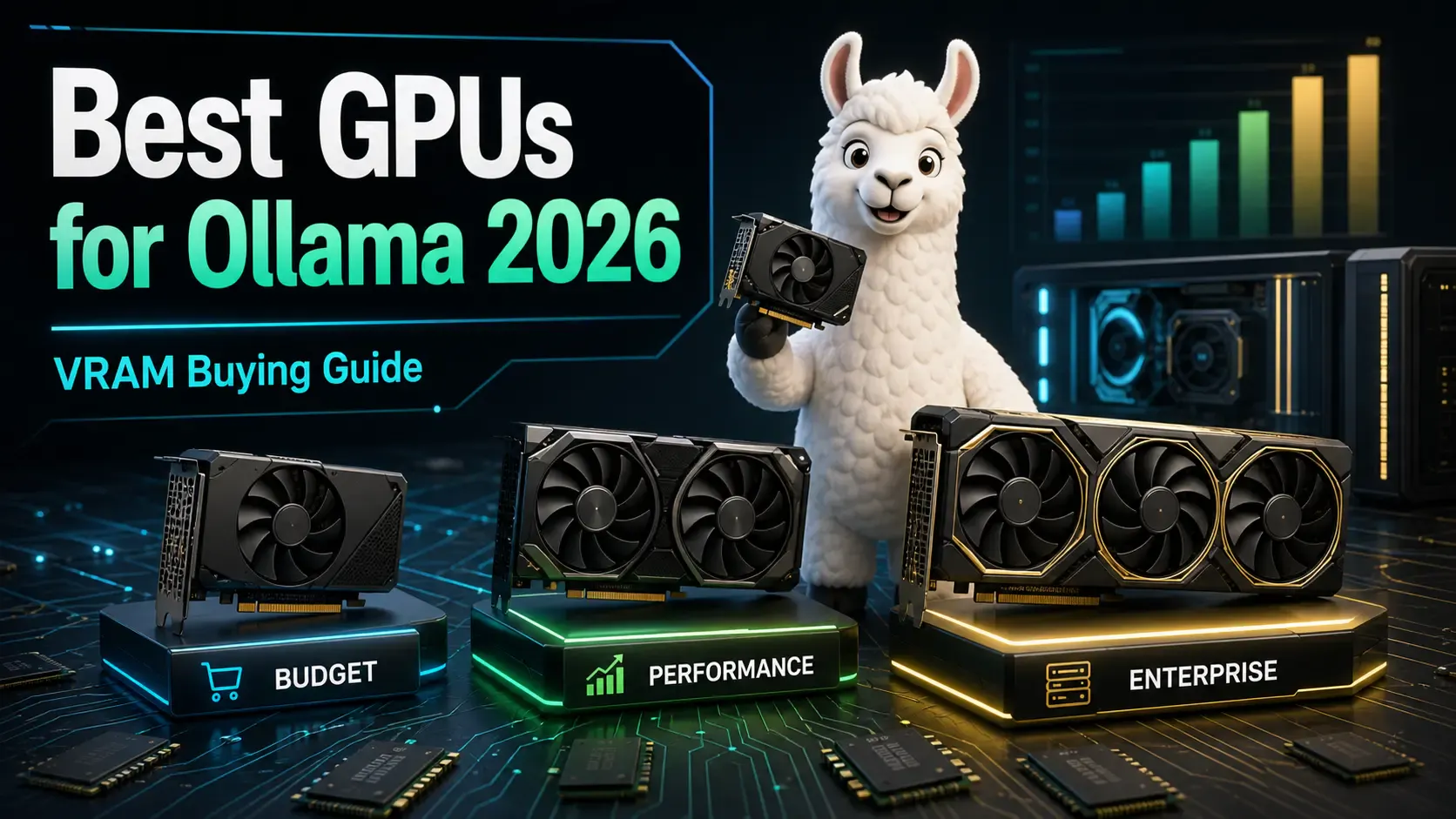
A practical buying guide to the best GPUs for running Ollama and local LLMs in 2026 — from budget cards to enterprise hardware, with VRAM requirements explained.
Compare Ollama, LM Studio, llama.cpp, and vLLM to choose the best local AI tool for development, desktop testing, control, or production serving.